17 Simulation Resources
17.1 Learning Objectives
This section helps you:
- Find simulators by chapter: Locate tools relevant to specific topics you’re studying
- Contribute new simulators: Share your Wokwi, CircuitJS, or custom tools with the community
- Connect across hubs: Integrate simulation practice with quizzes, videos, and knowledge gap analysis
17.2 Browse by Chapter
Find simulators organized by book chapter. This table helps you discover tools related to specific topics you’re studying.
| Chapter | Simulators | Difficulty | Type |
|---|---|---|---|
| Networking & Communications | MQTT Message Flow Simulator, MQTT QoS Visualizer, MQTT Labs (ESP32+DHT22), CoAP Observe Demo, Wi-Fi Analyzer, Wi-Fi Channel Analyzer, LPWAN Range Calculator, LoRaWAN Range Calculator, LoRa Spreading Factor Demo, LoRa Link Budget Calculator, 802.15.4 Data Rate Tool, Network Topology Explorer, Routing Algorithm Comparison, Protocol Selector Wizard, IoT Bandwidth Calculator, Thread Network Demo, Zigbee Mesh Visualizer, BLE State Machine, 6LoWPAN Header Compression Demo, Packet Fragmentation Demo, CSMA/CA Channel Access Demo, RFID Frequency Comparison, NB-IoT vs LTE-M Selector, RPL DODAG Builder, Multi-Hop Network Simulator, Ad-Hoc Routing Visualizer | ⭐-⭐⭐⭐ | Protocol + Wireless |
| Sensing & Actuation | DHT22 Temperature/Humidity Reader, Servo Motor Control, PWM Motor Control, PWM LED Dimming, Sensor Comparison Tool, ADC Sampling Demo, ADC Sampling and Aliasing Demo, I2C Bus Scanner | ⭐-⭐⭐ | Circuit + Design |
| Data Management & Analytics | IoT Storage Requirements Calculator, Time Series Explorer, Edge vs Cloud Latency Explorer, Sensor Fusion Demo, Edge Inference Demo, Anomaly Detection Demo, Stream Processing Demo, Database Selection Tool | ⭐⭐-⭐⭐⭐ | Performance + Analytics |
| Architecture | Edge-Fog-Cloud Latency Simulator, Sensor Coverage Playground, WSN Target Tracking Demo, LEACH Clustering Demo, M2M vs IoT Comparison, PID Controller Tuner | ⭐⭐-⭐⭐⭐ | Performance + Design |
| Business & Monetization | IoT ROI & Pricing Calculator, IoT Use Case Builder, IoT Product Comparison Matrix | ⭐⭐ | Business |
| Privacy & Security | IoT Security Risk Calculator (DREAD methodology), Security Threat Assessment Tool, Encryption Comparison, Attack Surface Visualizer, Network Segmentation Visualizer, Zero-Trust Policy Simulator | ⭐⭐-⭐⭐⭐ | Security |
| Design & Prototyping | Power Budget Calculator, Context-Aware Energy Optimizer, Sleep Mode Visualizer, Protocol Selection Tool | ⭐⭐-⭐⭐⭐ | Design |
17.3 Submit a Simulator
Have a working Wokwi, CircuitJS, or custom simulation to showcase? We welcome community contributions to expand our simulation library.
17.3.1 Contribution Guidelines
To submit a simulator, open a GitHub issue with the following information:
Required Information:
- Simulator Name: Descriptive title (e.g., “BLE Beacon Advertising Simulator”)
- Platform: Wokwi, CircuitJS, Observable JS, or custom web-based tool
- Link: Working URL to the simulator
- Learning Objectives: What students will learn (2-4 specific objectives)
- Target Chapter: Which chapter should include this simulator
- Difficulty Level: ⭐ Easy, ⭐⭐ Medium, or ⭐⭐⭐ Hard
- Estimated Time: How long students need to complete the simulation (5-30 min)
Quality Criteria:
- Functional: Simulator must work reliably in modern browsers
- Educational: Clear connection to IoT concepts taught in the course
- Documented: Include brief instructions or parameter descriptions
- Accessible: Works without requiring paid accounts or special software
- Interactive: Allows students to experiment with parameters and see results
Example Submission:
Simulator Name: NB-IoT Power Consumption Calculator
Platform: Observable JS (custom)
Link:
https://observablehq.com/@username/nb-iot-powerLearning Objectives: - Calculate battery life for NB-IoT devices under different duty cycles - Understand PSM (Power Saving Mode) and eDRX impact on power consumption - Compare energy usage across different transmission intervals
Target Chapter: NB-IoT Comprehensive Review
Difficulty: ⭐⭐ Medium
Estimated Time: 10-15 minutes
We review submissions within 1-2 weeks and will work with you to integrate approved simulators into the course materials.
17.4 Cross-Hub Connections
Simulations work best when combined with other learning resources:
After Simulating, Test Your Understanding:
- Quizzes Hub: Test your knowledge of LoRaWAN range calculations, MQTT QoS levels, and network topology trade-offs with targeted quizzes
- Use simulators to answer quiz questions: If unsure about “Which topology has the lowest latency?”, open the Network Topology Explorer and compare
- Track mastery: Quiz results reveal which concepts need more simulation practice
Watch Videos for Context:
- Videos Hub: See real-world deployments that demonstrate concepts you’ve simulated
- Before simulating: Watch “LoRaWAN Gateway Installation” to understand what parameters mean
- After simulating: Watch “MQTT in Industrial IoT” to see pub/sub in production at scale
Review Foundational Concepts:
- Knowledge Gaps Hub: If simulation results don’t make sense, check for missing prerequisites
- Common gaps: “Why does SF12 have longer range than SF7?” -> Review spreading factor fundamentals
- Fill gaps first: Read theory chapters before attempting advanced simulations (e.g., Sensor Fusion requires understanding Kalman filters)
Integrated Learning Loop:
- Read theory in chapter (e.g., LoRaWAN Overview)
- Simulate with LoRaWAN Range Calculator
- Watch deployment video from Videos Hub to see real implementation
- Test understanding with quiz from Quizzes Hub
- Identify gaps and revisit chapters via Knowledge Gaps Hub
Pro Tip: Bookmark all four hubs and cycle through them regularly - this multi-modal approach (reading + doing + watching + testing) maximizes retention and understanding.
17.5 Visual Reference Gallery
These AI-generated SVG figures represent key concepts covered in the interactive simulations. Each illustration corresponds to major simulation categories available in this hub.
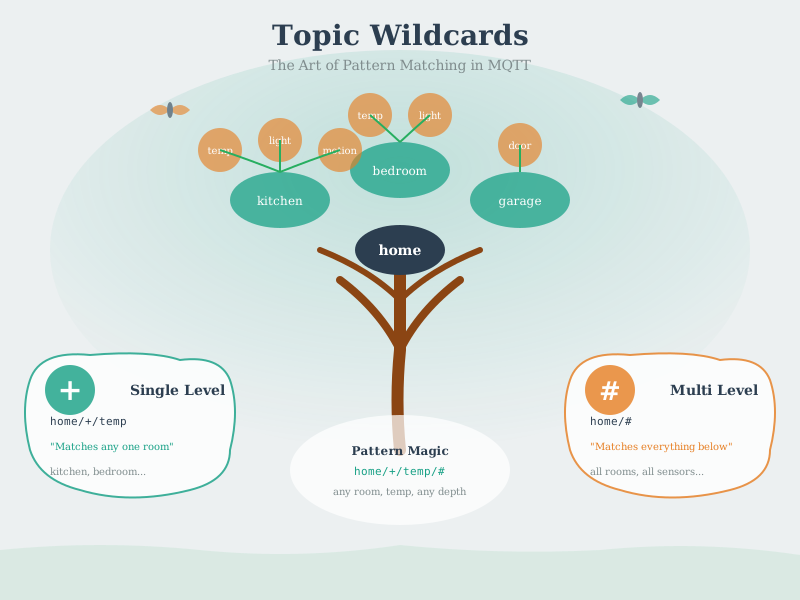
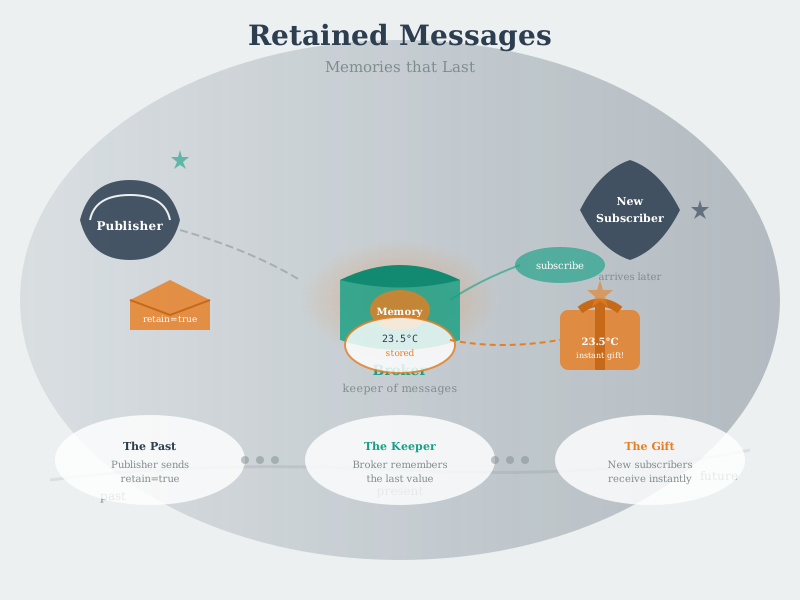
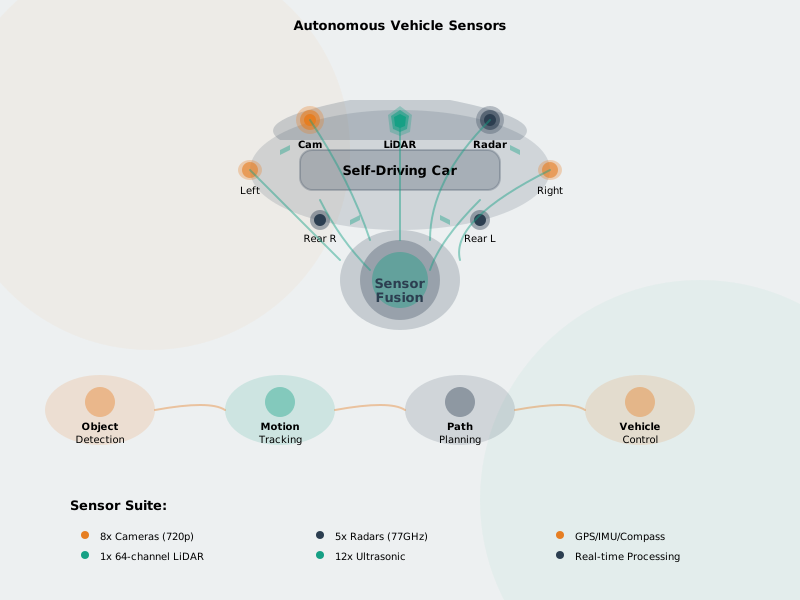
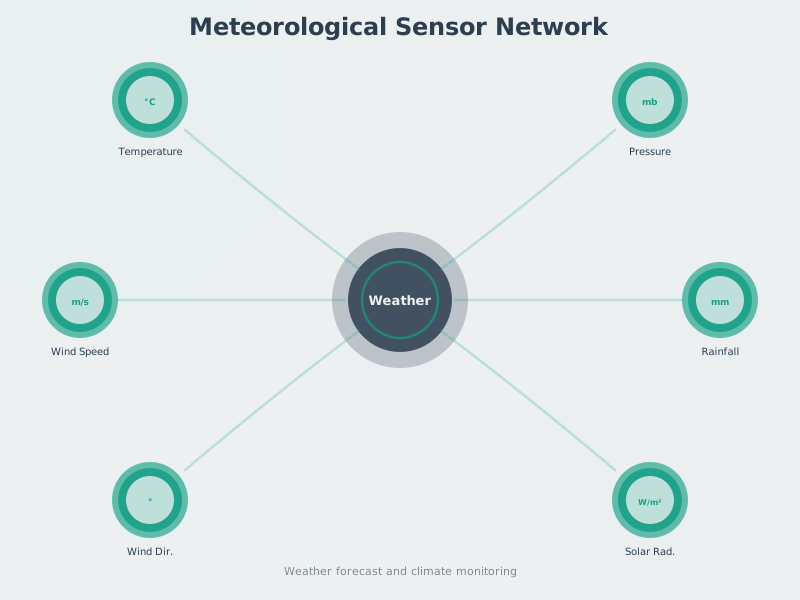
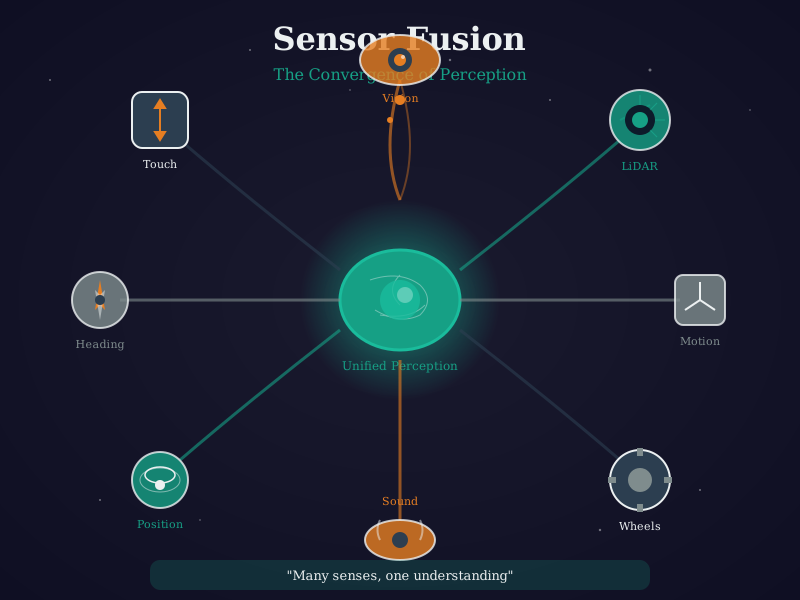
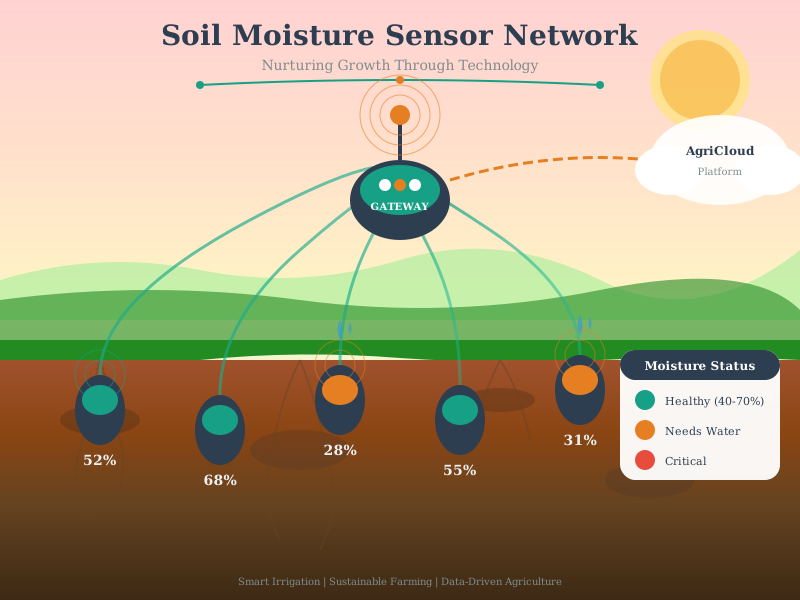
Figure Styles Available: These AI-generated figures come in multiple styles (artistic, modern, geometric) - access alternatives via the image version switcher when viewing in the book.
17.6 Knowledge Check
17.7 Summary
This simulation playground provides hands-on learning without hardware investment:
- 50+ Interactive Tools: Wireless calculators, protocol visualizers, WSN simulations, hardware demos, data analytics, security tools, and architecture explorers
- Eight Tool Categories: Organized by learning domain (Wireless, Business, Performance, Design, Security, Circuits, Protocols, Analytics)
- Difficulty Progression: Tools rated ⭐ Easy, ⭐⭐ Medium, or ⭐⭐⭐ Hard to support scaffolded learning
- Structured Pathway: 12-step learning journey from foundations to integration projects
- Chapter Integration: Every simulation links to relevant theory content for seamless learning
- Multiple Platforms: Wokwi (ESP32/Arduino), CircuitJS (analog circuits), Observable JS (custom calculators), and chapter-embedded tools
Learning Impact: Students gain practical experience with IoT protocols, hardware, networks, and system design without needing physical equipment, enabling experimentation, iteration, and understanding of complex concepts through interactive exploration.
17.8 What’s Next
Begin Your Simulation Journey:
- Absolute Beginners ⭐: Start with MQTT Message Flow Simulator to understand pub/sub messaging, then try Wi-Fi Scan Analyzer
- Intermediate Learners ⭐⭐: Explore LoRaWAN Range Calculator and Network Topology Explorer
- Advanced Designers ⭐⭐⭐: Build complete systems with Sensor Fusion Kalman Demo and Edge-Fog-Cloud Latency Simulator
Expand Your Learning:
- After mastering simulations, transition to real hardware with Prototyping Hardware
- Test your understanding with Quizzes covering simulation concepts
- Watch related Videos demonstrating simulation workflows and best practices
- Identify and fill Knowledge Gaps discovered during simulation exercises