Scenario: A manufacturing plant deploys 500 vibration sensors on critical machinery. Each sensor generates 1,000 samples/second at 16-bit resolution. Management needs to decide between edge processing (local analysis with alerts) versus cloud processing (centralized analysis). The plant has a 100 Mbps internet connection.
Given: - 500 sensors, each producing 1,000 samples/second - Sample size: 16 bits (2 bytes) per sample - Internet bandwidth: 100 Mbps - Cloud storage cost: $0.023/GB/month - Cloud compute cost: $0.05/hour for ML inference - Edge gateway cost: $500 per unit (supports 50 sensors each) - Latency requirement for safety alerts: < 50ms - Cloud round-trip latency: ~150ms
Solution:
Step 1: Calculate raw data bandwidth requirements
Per sensor: 1,000 samples/sec x 2 bytes = 2,000 bytes/sec = 16 kbps Total for 500 sensors: 500 x 16 kbps = 8,000 kbps = 8 Mbps
With protocol overhead (~20%): 8 x 1.2 = 9.6 Mbps (fits within 100 Mbps)
Step 2: Calculate monthly data volume and cloud storage cost
Daily data: 8 Mbps x 86,400 sec/day / 8 bits/byte = 86.4 GB/day Monthly data: 86.4 x 30 = 2,592 GB/month Cloud storage cost: 2,592 x $0.023 = $59.62/month
Step 3: Evaluate latency requirement
Cloud path: Sensor to Network to Cloud to Analysis to Response = 150ms minimum Edge path: Sensor to Local Gateway to Analysis to Response = ~10-20ms
Verdict: Cloud path fails the 50ms safety requirement.
Step 4: Design hybrid architecture
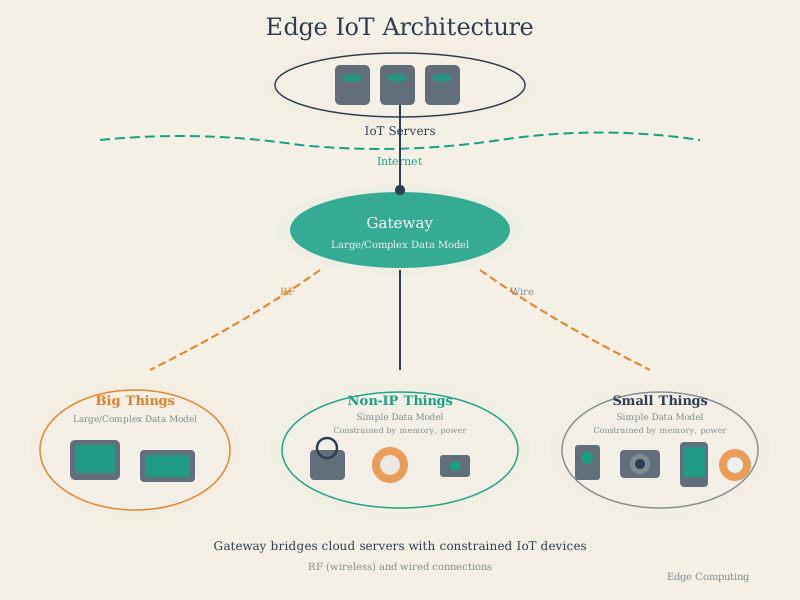
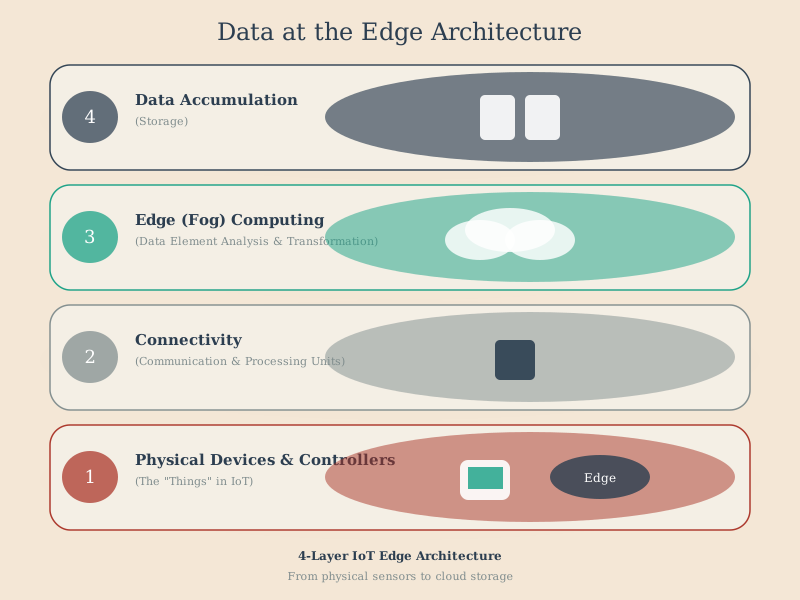
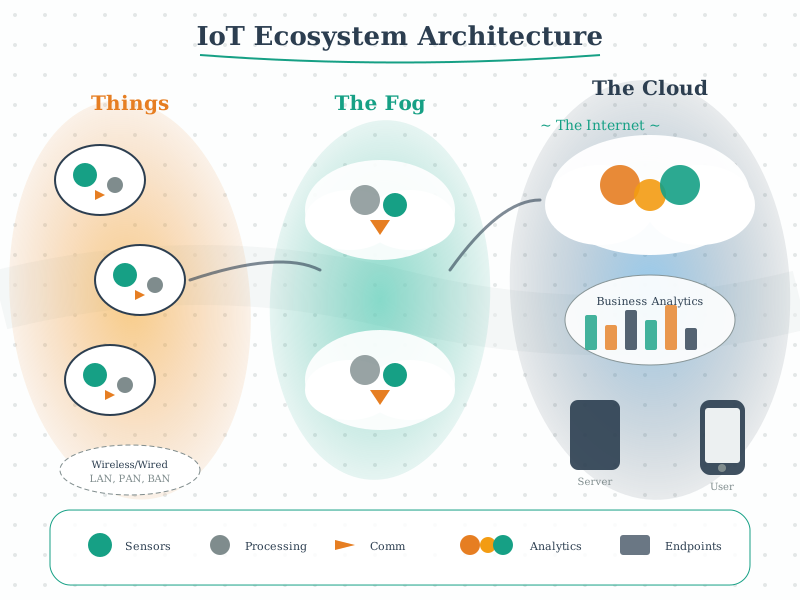
Edge processing (10 gateways x $500 = $5,000 upfront): - Real-time vibration analysis at edge - Anomaly detection with immediate alerts (< 20ms) - 95% data reduction through FFT features (send frequency spectrum, not raw samples)
Reduced cloud data: 2,592 GB x 5% = 129.6 GB/month Reduced storage cost: 129.6 x $0.023 = $2.98/month
Step 5: Calculate total cost comparison over 3 years
Cloud-Only Approach: - Storage: $59.62/month x 36 = $2,146 - Bandwidth: 2,592 GB x $0.09/GB x 36 = $8,398 - Compute (24/7 ML): $0.05/hour x 8,760 x 3 = $1,314 - Total: $11,858 (and fails latency requirement!)
Edge-Hybrid Approach: - Edge hardware: $5,000 (one-time) - Reduced storage: $2.98 x 36 = $107 - Reduced bandwidth: 129.6 GB x $0.09 x 36 = $420 - Cloud compute (periodic training only): $500/year x 3 = $1,500 - Total: $7,027 (and meets latency requirement!)
Result: Edge-hybrid architecture saves $4,831 (41%) over 3 years while meeting the critical 50ms latency requirement that pure cloud cannot achieve.
Key Insight: Edge processing isn’t just about cost - it’s often the only viable option for latency-critical industrial applications. The 95% data reduction from edge FFT analysis also dramatically reduces both bandwidth and storage costs. Always evaluate latency requirements first; they often make the architecture decision for you.