Battery Life vs. Protocol Choice: A coin cell battery (CR2032, 225 mAh at 3V) powering a temperature sensor:
LoRaWAN (SF7): TX current = 45 mA, TX time = 500 ms, sleep current = 1.5 µA - Energy per transmission: \(E_{tx} = 45 \text{ mA} \times 0.5 \text{ s} = 22.5 \text{ mAs} = 0.00625 \text{ mAh}\) - Sleep energy per hour: \(E_{sleep} = 1.5 \text{ µA} \times 1 \text{ hr} = 0.0015 \text{ mAh}\) - 1 message/hour: \((0.00625 + 0.0015) \times 24 = 0.18\) mAh/day - Battery life: \(\frac{225 \text{ mAh}}{0.18 \text{ mAh/day}} = 1,250 \text{ days}\) → 30,000 messages
BLE: TX current = 15 mA, TX time = 5 ms, advertising every 1 minute - Energy per advertisement: \(15 \text{ mA} \times 0.005 \text{ s} = 0.075 \text{ mAs} = 0.000021 \text{ mAh}\) - 1,440 ads/day: \(0.000021 \times 1440 = 0.03\) mAh/day - Battery life: \(\frac{225}{0.03 \text{ mAh/day}} = 7,500 \text{ days}\) → 10,800,000 messages
Wi-Fi: TX current = 200 mA, connection overhead = 500 ms, TX time = 50 ms - Energy per message: \(200 \text{ mA} \times 0.55 \text{ s} = 110 \text{ mAs} = 0.0306 \text{ mAh}\) - Battery life: \(\frac{225}{0.0306} = 7,353 \text{ messages}\) over \(\frac{7353}{24} = 306 \text{ days}\) at 1 msg/hr
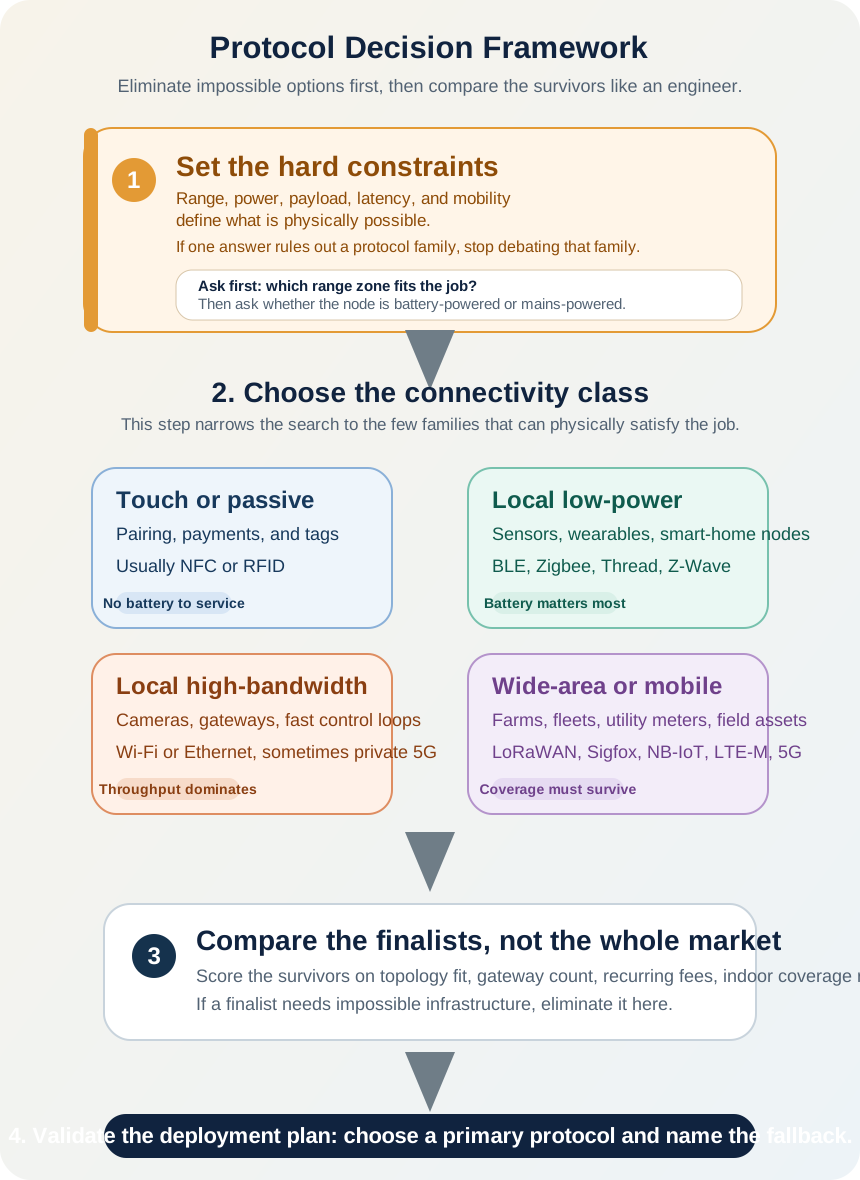
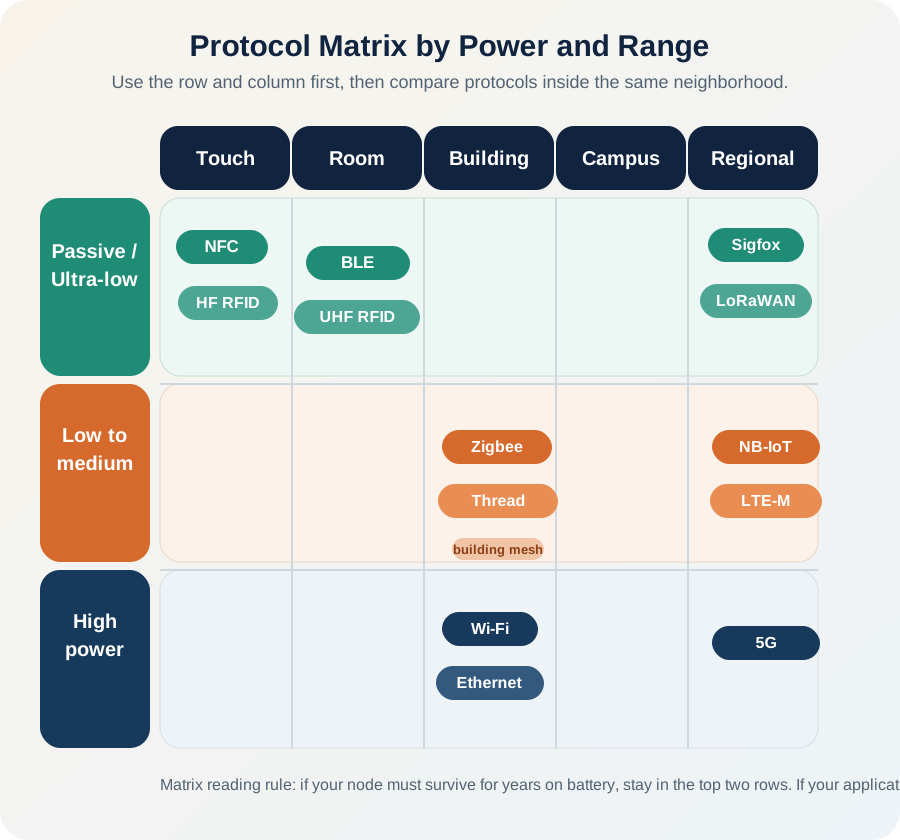
Protocol power profile drives deployment economics: LoRaWAN/BLE enable multi-year battery life for infrequent messaging, WiFi works for frequent updates when used efficiently but drains batteries faster than LPWAN protocols.