19 LoRaWAN Architecture
19.1 Learning Objectives
By the end of this chapter, you will be able to:
- Explain Star-of-Stars Topology: Justify why gateways act as transparent relays and how the network server performs deduplication and routing
- Classify Device Classes: Distinguish between Class A, B, and C based on receive window behaviour, latency, and power consumption
- Calculate Downlink Latency: Derive expected response times for each device class given beacon intervals and ping slot schedules
- Architect Multi-Gateway Deployments: Design redundant coverage layouts using the multi-gateway packet delivery probability formula
- Assess Class Trade-offs: Defend device class selection decisions for specific IoT applications with quantitative battery-life and latency evidence
19.2 Prerequisites
Required Chapters:
- LoRaWAN Overview - Core concepts
- Physical Layer Review - Spreading factors and modulation
Key Concepts
- Device Class Selection: Choosing Class A, B, or C based on application requirements for downlink latency, power budget, and connectivity type (battery vs. mains).
- Star-of-Stars Review: LoRaWAN two-tier topology with gateways forwarding to network server; enables redundancy, coverage diversity, and centralized intelligence.
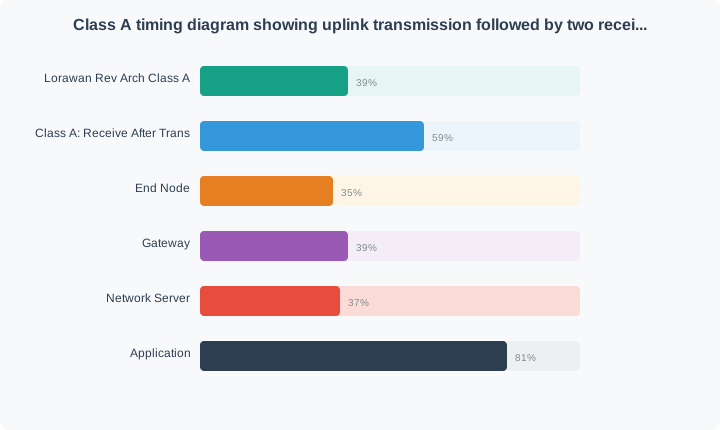
- Class A Operation: Default mode for all LoRaWAN devices; opens RX1 (1 second after TX) and RX2 (2 seconds after TX) receive windows; achieves lowest power consumption.
- Class B Synchronization: Beacon-driven synchronized receive slots; devices use GPS-synchronized beacons to align ping slots with the network server schedule.
- Class C Always-On: Continuous listening except during transmission; enables sub-second downlink latency for actuators and controllers; requires constant power supply.
- Gateway Selection: Criteria for choosing LoRaWAN gateway hardware including coverage radius, backhaul options, power source, and management interface.
- Architecture Review Questions: Common exam topics including topology components, device class trade-offs, activation methods, and network server functions.
Related Review Chapters:
| Chapter | Focus |
|---|---|
| Security & ADR Review | Encryption, adaptive data rate |
| Deployment Review | Regional parameters, TTN, troubleshooting |
Estimated Time: 15 minutes
What is Star-of-Stars? Imagine a hub-and-spoke system, but with multiple hubs. Your sensor (end device) talks to multiple nearby gateways. All gateways report to a central network server.
Why This Design?
- Reliability: If one gateway fails, others still receive your message
- Range: Gateways can be spread across a wide area
- Simplicity: End devices don’t need to know which gateway to use
Everyday Analogy: Think of a postal system. You can drop a letter in any mailbox (gateway), and it all goes to the central sorting facility (network server) before reaching its destination (application server).
“Let us review the LoRaWAN architecture!” Sammy the Sensor said. “The star-of-stars design means I talk to gateways, gateways talk to the network server, and the network server talks to the application. Multiple gateways can hear my signal at once, providing automatic redundancy without any extra effort from me!”
“Device classes are all about when you listen,” Lila the LED explained. “Class A only opens two tiny receive windows right after sending – maximum battery life. Class B adds scheduled beacon windows for predictable downlink timing. Class C listens all the time, which drains the battery fast but allows instant commands from the server.”
Max the Microcontroller added, “Most IoT sensors should use Class A. It provides the best battery life because the device sleeps between transmissions. Class B is for applications like street lights that need periodic commands at known times. Class C is for mains-powered devices like industrial actuators that need to respond immediately.”
“Remember: choose the simplest class that meets your downlink needs,” Bella the Battery advised. “If your sensor only sends data and rarely needs commands, Class A is perfect. The longer I can sleep between transmissions, the longer I last. That is the fundamental trade-off in LoRaWAN device design!”
19.3 Network Architecture
19.3.1 Star-of-Stars Topology
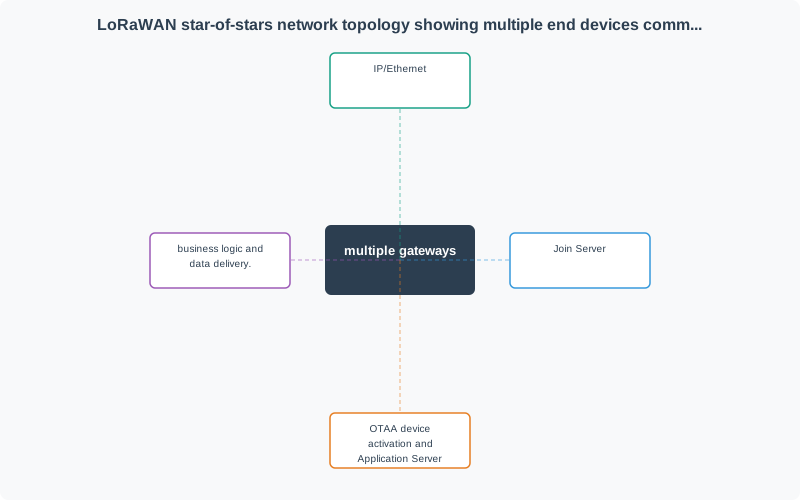
19.3.2 Network Components
| Component | Role | Scalability | Key Functions |
|---|---|---|---|
| End Device | Sensor/actuator node | 1000s per gateway | Data collection, transmission |
| Gateway | RF relay (transparent) | Multiple per area | Packet forwarding, no processing |
| Network Server | Protocol management | Region-wide | Deduplication, ADR, routing |
| Application Server | Business logic | Application-specific | Data processing, storage, APIs |
| Join Server | Security provisioning | Global | OTAA, key generation |
19.3.3 Gateway Role: Transparent Relay
Gateways do NOT: - Decrypt or read packet contents - Make routing decisions - Filter or process data - Authenticate devices
Gateways ONLY: - Receive LoRa packets - Add metadata (RSSI, SNR, timestamp) - Forward to network server over IP
This simplicity enables low-cost gateway hardware and easy scaling.
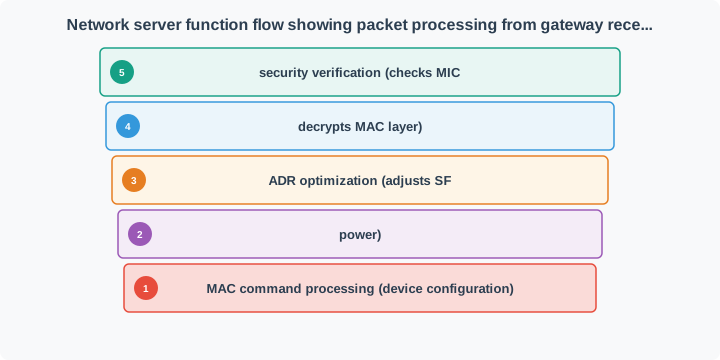
19.3.4 Network Server Functions
19.4 Device Classes
19.4.1 Class Comparison Diagram
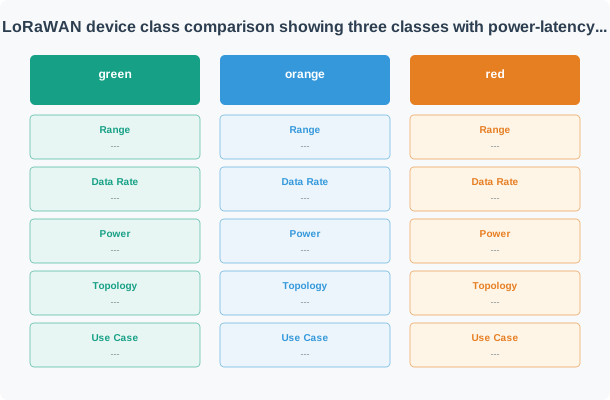
19.4.2 Detailed Class Comparison
| Feature | Class A | Class B | Class C |
|---|---|---|---|
| Downlink Latency | High (until next uplink) | Medium (ping slot schedule) | Lowest (almost immediate) |
| Power Consumption | Lowest (best for battery) | Medium (periodic wake) | Highest (continuous RX) |
| RX Windows | 2 short windows after TX | Scheduled ping slots + RX1/RX2 | Continuous (except TX) |
| Beacon Required | No | Yes (GPS-synced) | No |
| Typical Battery Life | 5-10 years | 1-3 years | Days to weeks (must be powered) |
| Use Cases | Sensors, meters, trackers | Street lights, irrigation | Actuators, controllers |
| Complexity | Simplest | Medium | Simple |
| Bidirectional | Yes (limited downlink) | Yes (scheduled) | Yes (any time) |
19.4.3 Class A: Receive After Transmit
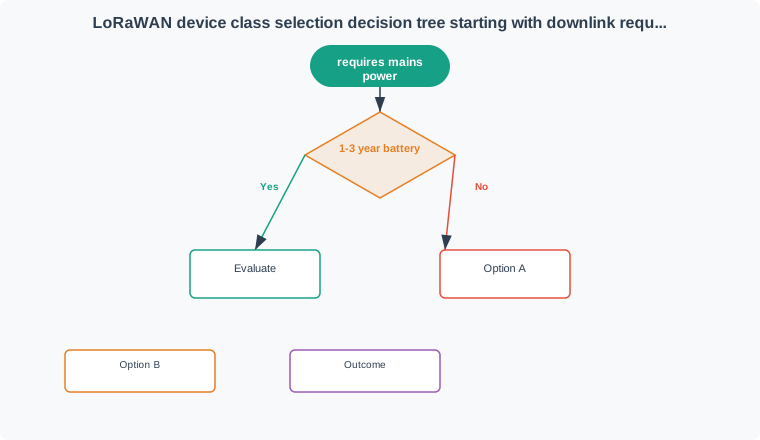
19.4.4 Class Selection Decision Tree
19.4.5 Class B: Beacon-Synchronized Receive
- Gateway broadcasts GPS-synchronized beacons every 128 seconds
- Device wakes to receive beacon and synchronize clock
- Device calculates ping slot times based on DevAddr
- Device opens receive windows at calculated ping slots
- Network server queues downlinks for device’s ping slots
Advantage: Predictable downlink latency without continuous reception Disadvantage: Requires beacon coverage and slightly higher power than Class A
19.5 Knowledge Check: Architecture and Classes
19.6 Worked Example: Multi-Gateway Deployment Cost
19.7 Concept Relationships
| Concept | Relates To | Relationship Type | Significance |
|---|---|---|---|
| Star-of-Stars Topology | Gateway Redundancy | Multiple gateways per device | Automatic failover without device awareness |
| Gateway | Network Server | Transparent relay relationship | Gateways forward all packets without processing |
| Device Class A | Battery Life | Minimal receive windows | Enables 5-10 year battery life for sensors |
| Device Class B | Beacon Synchronization | GPS-synced ping slots | Predictable downlink without continuous RX |
| Device Class C | Power Source | Continuous listening | Requires mains power, millisecond latency |
| Network Server | Deduplication | Processes multiple copies | Selects best packet when multiple gateways hear device |
| ADR | Device Class | Best for stationary devices | Mobile devices should disable ADR due to varying link conditions |
19.8 See Also
Explore these related topics to deepen your understanding:
- LoRaWAN Security & ADR Review - Encryption and adaptive optimization
- LoRaWAN Deployment Review - Regional parameters and gateway planning
- LoRaWAN Architecture - Full architecture details and MAC layer
- LoRaWAN Comprehensive Review - Complete technical review
- Physical Layer Review - Spreading factors and modulation basics
19.9 Summary
This chapter reviewed LoRaWAN network architecture and device classes:
- Star-of-Stars Topology: End devices communicate through multiple gateways that relay to a central network server
- Gateway Role: Transparent packet forwarding without processing, enabling low-cost scalable infrastructure
- Network Server Functions: Deduplication, ADR optimization, MAC command processing, and routing
- Class A: Lowest power, receive only after transmit (5-10 year battery for sensors)
- Class B: Scheduled receive windows using GPS beacons (1-3 year battery for controllable devices)
- Class C: Continuous receive for lowest latency (requires mains power for actuators)
- Class Selection: Based on downlink latency requirements, power source, and predictability of communication
Common Pitfalls
Class C devices listen continuously, consuming 5–15 mA in receive mode. Running Class C from a battery results in days of operation rather than years. Only deploy Class C with permanent mains power or large-capacity industrial power supplies.
Class B synchronization requires the network server to broadcast GPS-synchronized beacons. Many LoRaWAN network servers and community networks don’t support Class B beacons. Verify Class B beacon support in both the gateway firmware and network server before designing applications around Class B timing.
Class A applications that need to send commands to devices must wait until after the device’s next uplink (potentially hours or days). If your application requires sub-minute command latency, Class A is inappropriate — consider Class B (minutes) or Class C (seconds) instead.
Adding more gateways increases redundancy and capacity but not necessarily coverage. Two gateways covering the same area with overlap provide reliability benefits. One gateway with proper placement covering the required area is better than multiple poorly-placed gateways with gaps.
19.10 What’s Next
Continue your LoRaWAN review:
| Direction | Chapter | Focus |
|---|---|---|
| Next | Security & ADR Review | Encryption, activation methods, and adaptive optimization |
| Then | Deployment Review | Regional parameters, TTN, and troubleshooting |
| Deep Dive | LoRaWAN Architecture | Full architecture details and MAC layer |
| Comprehensive | LoRaWAN Comprehensive Review | Complete technical review |
| Prerequisite | LoRaWAN Overview | Core concepts |
| Prerequisite | Physical Layer Review | Spreading factors and modulation |