2 Mobile Phones as IoT Gateways
2.1 Learning Objectives
By the end of this chapter series, you will be able to:
- Architect mobile phone-based gateway solutions for IoT device connectivity
- Implement protocol translation between short-range protocols (Bluetooth, Zigbee) and internet protocols
- Configure mobile apps that collect and consolidate sensor data before cloud transmission
- Calculate power budgets that balance gateway functionality with mobile device battery limitations
- Apply fog computing patterns to leverage mobile phones for intermediate processing between edge and cloud
- Evaluate mobile gateway solutions against dedicated hardware gateways using quantitative trade-off analysis
- Construct ESP32-based IoT gateways with MQTT cloud connectivity
- Mobile phones act as IoT gateways by translating between short-range protocols (Bluetooth, NFC, Zigbee) and internet protocols (Wi-Fi, cellular), bridging billions of IoT devices to cloud platforms without dedicated hardware.
- Phones serve three roles in IoT: gateway (protocol bridge), edge node (built-in sensors for data collection), and fog computing platform (local analytics before cloud upload, reducing bandwidth by up to 99%).
- The key trade-off is availability vs. ubiquity: phones are already everywhere (6+ billion globally) but are intermittently available (turned off, out of range, airplane mode), making them ideal for personal IoT but unsuitable for always-on critical infrastructure.
Sammy the Sensor looks at your phone and says: “Did you know your phone is basically a super-powered IoT device? It has MORE sensors than most IoT gadgets – GPS, accelerometer, camera, microphone, light sensor, barometer, and more!”
Lila the Light Sensor explains: “Think of your phone like a translator at the United Nations. Your Bluetooth watch speaks ‘Bluetooth language,’ and the internet speaks ‘Wi-Fi language.’ Your phone translates between them so they can talk!”
Here’s how it works:
- Your fitness band measures your heart rate using Bluetooth (short-range whisper)
- Your phone receives that data and translates it
- Your phone sends it to the cloud using Wi-Fi or cellular (long-range shout)
- Now your doctor can see your heart rate data on their computer!
Max the Motion Detector adds: “The coolest part? Your phone doesn’t just translate – it can also THINK! Instead of sending every single heartbeat to the cloud (thousands per day), your phone can check if your heart rate looks normal and only send an alert if something seems wrong. That saves battery AND bandwidth!”
Real-world analogy: Imagine a school field trip where kids speak different languages. The teacher (your phone) listens to everyone, translates important messages, and only calls the principal (cloud) when something needs attention – not for every little thing!
2.2 Overview
Mobile phones hold a unique and pivotal position in the architecture of the Internet of Things (IoT). Their versatility, advanced capabilities, and widespread usage make them integral components in various IoT frameworks. With billions of smartphones worldwide, these devices serve as powerful multi-role platforms: gateways bridging sensors to cloud, edge nodes collecting sensor data, and fog computing platforms performing local analytics.
This chapter series explores the multifaceted roles mobile phones can play in IoT ecosystems, covering gateway functions, edge/fog computing, mobile computing challenges, wireless protocols, and hands-on implementation.
The problem: IoT devices like fitness trackers, smart thermostats, and health monitors are small, low-power, and typically use short-range wireless protocols (Bluetooth, Zigbee, NFC). They cannot directly connect to the internet or cloud platforms.
The solution: Your smartphone bridges this gap. It receives data from nearby IoT devices using Bluetooth or NFC, processes it locally, and forwards it to cloud servers using Wi-Fi or cellular connections.
Three roles your phone plays:
| Role | What It Does | Example |
|---|---|---|
| Gateway | Bridges sensor data to the cloud | Fitness band sends heart rate via Bluetooth to phone, phone uploads to fitness app cloud |
| Edge Node | Collects data using its own sensors | Phone GPS tracks your jogging route, accelerometer counts your steps |
| Fog Processor | Analyzes data before uploading | Phone detects irregular heartbeat patterns locally, only sends alerts to cloud |
Why use phones instead of dedicated gateways? Because 6+ billion people already carry them. No extra hardware purchase needed. They already have multiple radios (Bluetooth, Wi-Fi, NFC, cellular), powerful processors, and internet connectivity.
When NOT to use phone gateways: For always-on, mission-critical systems (factory monitoring, home security alarms), use dedicated gateway hardware. Phones are turned off, carried away, or put in airplane mode too often for critical infrastructure.
2.2.1 Mobile Phone Gateway Architecture
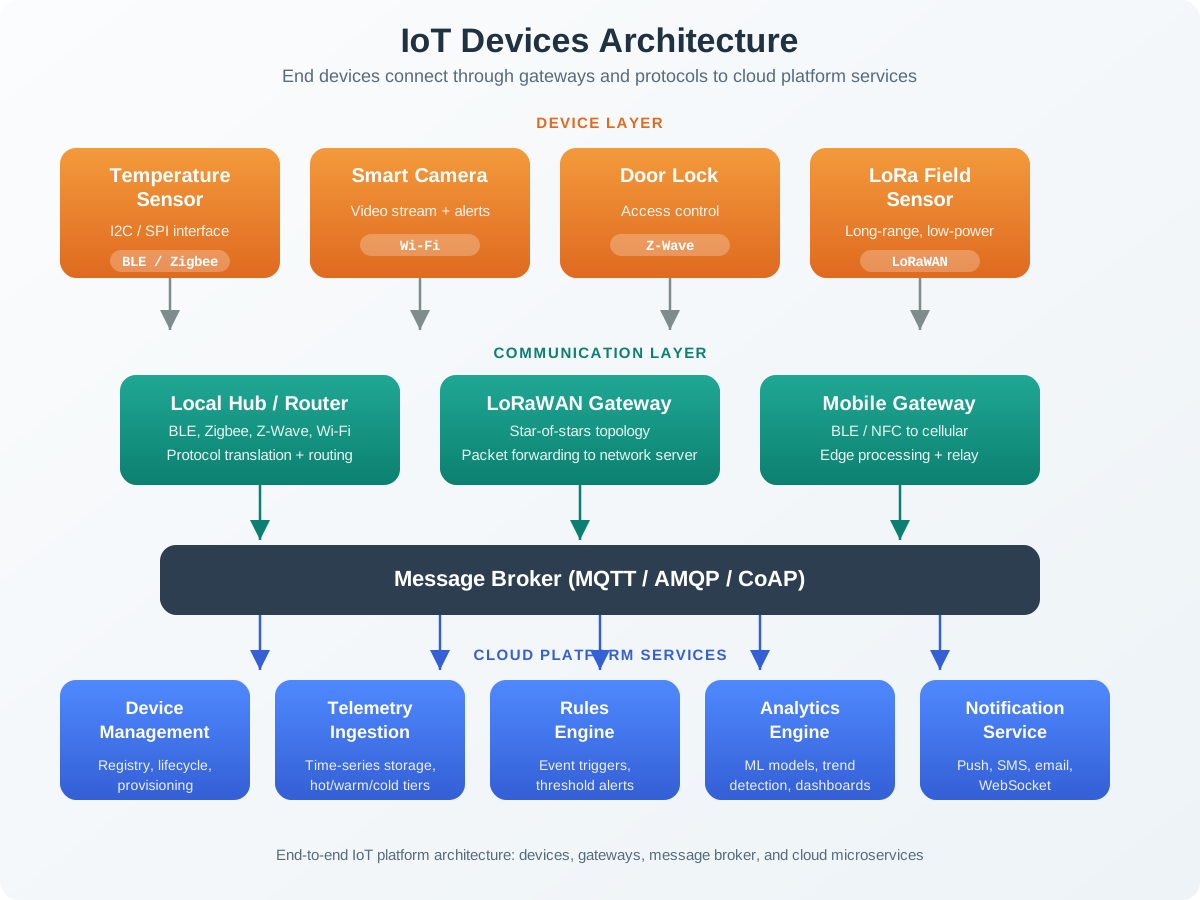
The following diagram shows the three distinct roles a mobile phone plays in an IoT ecosystem:
2.2.2 Data Flow Through Mobile Gateway
This sequence diagram illustrates the typical data flow from an IoT sensor through a mobile phone gateway to the cloud:
2.3 Chapter Contents
This topic has been organized into four focused chapters:
2.3.1 1. Mobile Phone Gateway Fundamentals
Introduction to mobile phones as IoT gateways, covering:
- Gateway roles: protocol translation, data aggregation, edge processing
- Advantages: ubiquity, multi-protocol support, mobility, cost-effectiveness
- Limitations: battery constraints, intermittent availability, security risks
- Decision framework: when to use mobile vs dedicated gateways
- Thin vs thick gateway architecture tradeoffs
2.3.2 2. Mobile Gateway Edge and Fog Computing
Mobile phones as edge nodes and fog computing platforms:
- Built-in sensor capabilities: environmental, motion, biometric, proximity
- Edge node use cases: health monitoring, environmental sensing, AR
- Fog computing characteristics: local processing, data reduction, real-time response
- Data reduction pipeline: 99.97% bandwidth savings through edge analytics
- Fog processing decision matrix: where to process each type of data
2.3.3 3. Mobile Computing Challenges and Network Architectures
Fundamental challenges and network design patterns:
- Resource constraints: battery, processing, storage management
- Connectivity challenges: heterogeneity, intermittent connectivity, variable quality
- Infrastructure-based vs ad-hoc mobile networks
- Hybrid approaches combining both architectures
- UX, security, and development complexity considerations
2.3.4 4. Mobile Gateway Protocols and Hands-On Lab
Wireless protocols, best practices, and practical implementation:
- CSMA/CA wireless MAC protocol
- Hidden and exposed terminal problems with RTS/CTS solution
- Short-range (BLE, NFC, Wi-Fi Direct) and wide-area (4G/5G, NB-IoT) technologies
- Best practices for energy, connectivity, security, and UX
- Hands-on lab: Build an ESP32 IoT gateway with Wokwi simulator
2.3.5 Chapter Relationship Map
2.4 Learning Path
Recommended order: Start with Gateway Fundamentals for foundational concepts, then proceed through Edge and Fog and Challenges, finishing with the Protocols and Lab for hands-on practice.
Quick reference: Jump directly to specific topics using the links above based on your current knowledge and learning goals.
2.5 Prerequisites
Before diving into these chapters, you should be familiar with:
- M2M Communication: Fundamentals: Understanding M2M gateways and protocol translation
- IoT Reference Models: Knowledge of layered IoT architecture
- Networking Basics for IoT: Familiarity with communication protocols
2.6 Mobile vs. Dedicated Gateway Decision Framework
Choosing between a mobile phone gateway and a dedicated hardware gateway is one of the most important architectural decisions. The following diagram provides a decision framework:
1. Assuming phones are always available. The most common mistake is designing a system that relies on the phone being always-on and in range. Phones get turned off, run out of battery, enter airplane mode, or are carried out of Bluetooth range. Always design with store-and-forward capability so sensors can buffer data during phone absence.
2. Ignoring background execution limits. Modern mobile operating systems (iOS and Android) aggressively restrict background processes to save battery. Your gateway app may be killed or throttled within minutes. Use platform-specific APIs (iOS CoreBluetooth background mode, Android foreground services) rather than naive background threads.
3. Underestimating battery drain. Continuous Bluetooth scanning and Wi-Fi uploads drain batteries fast. A gateway app scanning BLE every second can reduce battery life by 30-50%. Implement duty cycling: scan every 10-30 seconds instead of continuously, and batch cloud uploads every 5-15 minutes.
4. Neglecting security at the phone layer. Data in transit between the sensor and phone (over Bluetooth) is often unencrypted. Data stored temporarily on the phone before cloud upload can be accessed by other apps or if the phone is compromised. Always encrypt sensor-to-phone communication and encrypt local data at rest.
5. Not handling protocol version fragmentation. Bluetooth 4.0, 4.2, 5.0, and 5.3 have different capabilities. Your gateway app must handle multiple BLE versions gracefully, as different phones support different BLE features. Test across at least 3 phone models before deployment.
6. Over-sending raw data to the cloud. Without local aggregation, a gateway forwarding 10 sensors at 1 Hz generates 864,000 data points per day. Apply edge processing: aggregate, filter, and compress before upload. A typical fog pipeline can reduce traffic by 95-99%.
2.7 Worked Example: Designing a Mobile Gateway for a Smart Health Monitoring System
Scenario: A healthcare startup wants to build a patient monitoring system for elderly patients living at home. Each patient wears a BLE-enabled wristband that tracks heart rate (1 Hz), blood oxygen (every 30 seconds), and fall detection (accelerometer events). The system must send alerts within 10 seconds for falls and abnormal heart rates, while also logging trend data to a cloud dashboard accessible by family and caregivers.
2.7.1 Step 1: Define Requirements
| Requirement | Value | Implication |
|---|---|---|
| Sensors per patient | 1 wristband (3 sensor types) | Single BLE connection |
| Heart rate sampling | 1 Hz (1 reading/second) | 86,400 readings/day |
| SpO2 sampling | Every 30 seconds | 2,880 readings/day |
| Fall detection | Event-based | Immediate alert required |
| Alert latency | Less than 10 seconds | Cannot batch fall alerts |
| Cloud upload frequency | Trend data every 5 minutes | Aggregated summaries |
| Target battery impact | Less than 15% phone battery/day | Requires duty cycling |
2.7.2 Step 2: Choose Gateway Type
Using the decision framework above:
- Always-on required? Not strictly – patient is home most of the day, but falls at night are critical.
- User always nearby? Phone is typically on nightstand or in pocket – yes, most of the time.
- Budget constrained? Yes – patients already have smartphones, no budget for dedicated hardware.
- Decision: Mobile phone gateway with store-and-forward for periods when phone is away. Add a simple BLE-to-Wi-Fi bridge for nighttime fall detection as backup.
2.7.3 Step 3: Design the Data Pipeline
2.7.4 Step 4: Calculate Data Reduction
| Data Type | Raw Rate | After Aggregation | Reduction |
|---|---|---|---|
| Heart Rate | 86,400 readings/day (1 Hz) | 288 summaries/day (every 5 min, with avg/min/max) | 99.7% |
| SpO2 | 2,880 readings/day | 288 summaries/day (5-min averages) | 90% |
| Fall Events | ~0-2 events/day | Same (forwarded immediately) | 0% (no reduction needed) |
| Total daily upload | ~89,280 data points | ~576 summaries + alerts | 99.4% reduction |
2.7.5 Step 5: Battery Impact Assessment
| Activity | Estimated Battery Drain |
|---|---|
| BLE connection (background, always-on) | ~5% per day |
| Local anomaly detection processing | ~2% per day |
| Wi-Fi upload every 5 minutes | ~3% per day |
| Occasional cellular alert | ~0.5% per alert |
| Total estimated drain | ~10-11% per day |
How do we validate the battery budget? Let’s calculate the exact energy consumption for each gateway component:
Daily battery consumption breakdown:
BLE connection: \[5\% \times 4000 \text{ mAh} = 200 \text{ mAh/day}\]
Local processing (anomaly detection every 5 min): \[2\% \times 4000 \text{ mAh} = 80 \text{ mAh/day}\]
Wi-Fi uploads (288 per day at 5-min intervals): \[3\% \times 4000 \text{ mAh} = 120 \text{ mAh/day}\]
Total gateway drain: \[200 + 80 + 120 = 400 \text{ mAh} \text{ or } 10\% \text{ daily}\]
Validation: On a 4000mAh battery, 400mAh gateway usage leaves 3600mAh (90%) for normal phone functions. With typical daily phone consumption around 1600mAh, the user ends the day at 50% battery instead of 60% – acceptable degradation that meets the <15% gateway budget target.
This meets the 15% battery budget target, leaving margin for the patient’s normal phone usage.
2.8 Knowledge Check
Test your understanding of the key concepts covered in this chapter series.
## Mobile Gateway vs Dedicated Gateway: Decision Matrix
The choice between a smartphone gateway and a dedicated device (Raspberry Pi, commercial hub) is one of the most common architectural decisions in consumer and health IoT.
| Criterion | Mobile Phone Gateway | Dedicated Gateway (RPi/Hub) | Winner |
|---|---|---|---|
| Hardware cost | $0 (user’s existing phone) | $50-200 | Mobile |
| Availability | 16-20 hours/day (phone may leave, sleep, die) | 24/7 (always plugged in) | Dedicated |
| BLE range | 10-30m (varies by phone model) | 10-50m (external antenna option) | Dedicated |
| Processing power | 2-8 GB RAM, multi-core (overkill for IoT) | 1-4 GB RAM (sufficient) | Tie |
| Cellular backhaul | Built-in (user’s data plan) | Requires USB modem or Wi-Fi | Mobile |
| OS restrictions | Background execution limits (Android Doze, iOS background modes) | No OS restrictions on daemon processes | Dedicated |
| User deployment | Zero-touch (app install) | Requires shipping hardware + setup | Mobile |
| Regulatory | Pre-certified (FCC, CE) | Requires certification for commercial products | Mobile |
Recommendation by use case:
- Consumer wellness (fitness tracking, sleep monitoring): Mobile gateway. Users already carry phones; 85% uptime is acceptable for non-critical data.
- Clinical health monitoring (fall detection, cardiac alerts): Dedicated gateway. The 15% downtime gap between mobile and dedicated gateways is unacceptable when lives depend on continuous monitoring.
- Smart agriculture (field sensors, livestock tracking): Hybrid. Farmer’s phone as primary gateway during work hours; solar-powered LoRa gateway as 24/7 fallback for critical alerts.
- Smart home (lighting, thermostat, locks): Dedicated hub. Users expect instant response regardless of phone location. Amazon Echo, Google Home, and Apple HomePod serve as always-on gateways.
2.9 Summary
Mobile phones represent a powerful and ubiquitous platform for IoT gateway functionality. This chapter series covers the full spectrum of using smartphones as IoT infrastructure:
| Chapter | Key Concepts | Outcome |
|---|---|---|
| 1. Gateway Fundamentals | Protocol translation, data aggregation, thin vs thick gateways | Understand when and why to use mobile gateways |
| 2. Edge & Fog Computing | Built-in sensors, local analytics, data reduction pipelines | Design fog processing with up to 99% data reduction |
| 3. Challenges & Architectures | Battery constraints, connectivity issues, infrastructure vs ad-hoc | Navigate real-world deployment constraints |
| 4. Protocols & Lab | CSMA/CA, BLE, Wi-Fi Direct, ESP32 implementation | Build a working IoT gateway |
Key design principles to remember:
- Design for absence: Always include store-and-forward capability for when the phone is unavailable
- Minimize radio usage: Duty cycle BLE scanning and batch cloud uploads to conserve battery
- Process locally first: Use fog computing to reduce cloud traffic by 90-99%
- Match gateway to use case: Mobile for personal/mobile IoT, dedicated hardware for stationary/critical systems
- Encrypt everything: Both sensor-to-phone (BLE) and phone-to-cloud (TLS) channels must be secured
2.10 Concept Relationships
Series Structure (recommended learning path): 1. Mobile Gateway Fundamentals - Start here for core concepts 2. Mobile Gateway Edge and Fog - Local processing patterns 3. Mobile Computing Challenges - Real-world constraints 4. Mobile Gateway Protocols Lab - Hands-on implementation
Connects To:
- M2M Communication - Gateway architectures
- Edge-Fog-Cloud Overview - Three-tier processing
- Bluetooth BLE - Sensor communication
2.11 See Also
Learning Hubs:
- Simulations Hub - Interactive gateway demonstrations
- Videos Hub - Mobile gateway implementations
- Quizzes Hub - Test your knowledge
Application Context:
- Wearables - Personal health monitoring
- Smart Home - Home automation gateways
| Direction | Chapter |
|---|---|
| Previous | Mobile Gateway Protocols Lab |
| Next | IoT Standards and Interoperability |
| Up | Communication and Protocol Bridging |
| Related | Mobile Gateway Overview |