2 Storage Roles and Data Lifecycle
More
Depth: Practitioner
Progress saves as you read. Mark sections complete as you go; your progress appears in the sidebar.
2.1 Start With the Storage Mess
This section: Start With the Storage Mess — Picture a freezer alert whose chart changes after a late reading arrives.
Prove One Reading Can Be Found Again
Picture a freezer alert whose chart changes after a late reading arrives. The team needs to recover the original event and explain which copy now drives the decision.
Follow the freezer reading that changes after it reaches storage late.
-
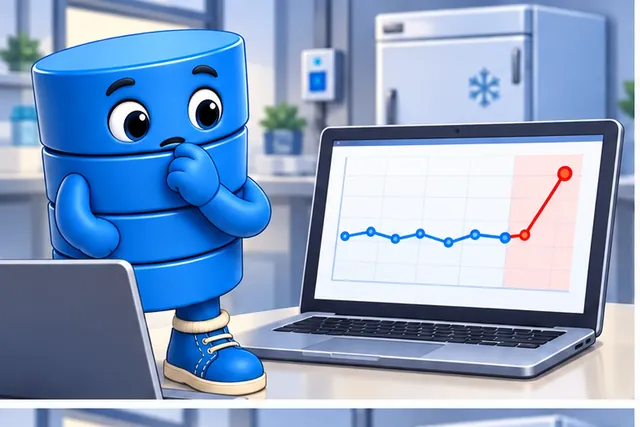
A late freezer reading changes the alert chart.
-
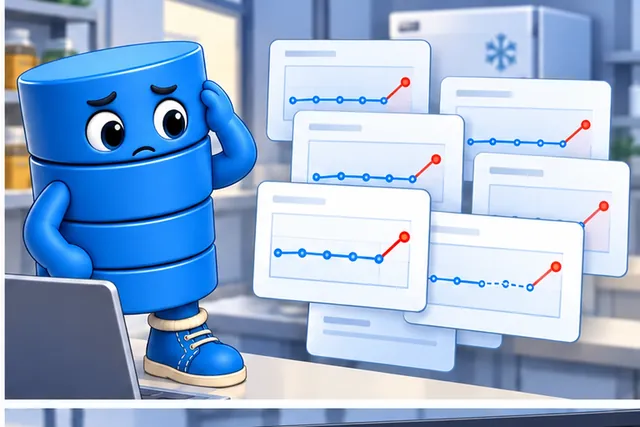
The team cannot tell which copy now drives the decision.
-
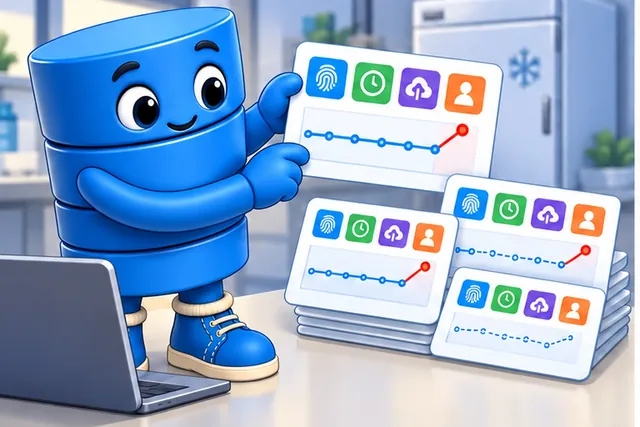
Give each record a source time, arrival time, owner, and identity.
-
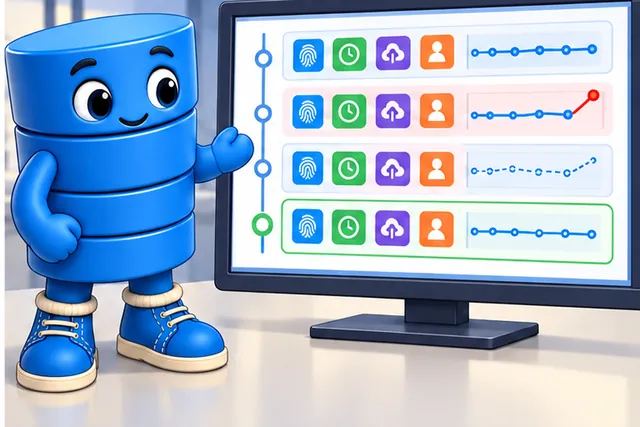
Normal, late, copied, and corrected readings can now be traced.
Telemetry means measurements and status sent from a device for review elsewhere. Give each record an identity, source time, arrival time, owner, and retention rule before choosing a store.
Send one normal, late, duplicate, and corrected reading. Keep the input, stored copies, query result, order, age, and restore result so another person can trace the same history.
This test covers one record path and retention window, not every data loss. The deeper sections compare storage roles, lifecycle, scale, cost, recovery, and governance.
Imagine a sensor value appears on a dashboard, triggers an alert, and later becomes evidence in a customer support case. The first storage question is not which database brand held the row. It is whether the system can say where the value came from, which copy is authoritative, how long the raw record lives, and how someone can restore it when the dashboard no longer shows the detail.
Data Dora
“Every reading has a time and a cost — decide retention before you decide the database.”
Through this chapter, Dora tracks each storage role in her ledger: what arrives, how long it stays, and what keeping it costs.
Overview: Storage Is A Set Of Roles
IoT data storage is not one database. A production system usually separates device registry records, timestamped telemetry, operational events, latest values, binary artifacts, and long-term archives. Each role has a different write pattern, query path, lifecycle, owner, and failure mode.
The useful overview question is not "which database is best?" It is "what must each record prove, who owns that fact, how will it be queried, how long must it live, and what evidence shows that the storage path is reliable?" Product choices come after those contracts are clear.
If you only need the intuition, this layer is enough: assign each data shape to a storage role, validate it before durable write, separate cache from history, and prove retention plus restore behavior before release.
Follow one greenhouse reading through the figure to ask which store owns the fact, which views can be rebuilt, where identity lives, and how an archive proves it can restore the record.
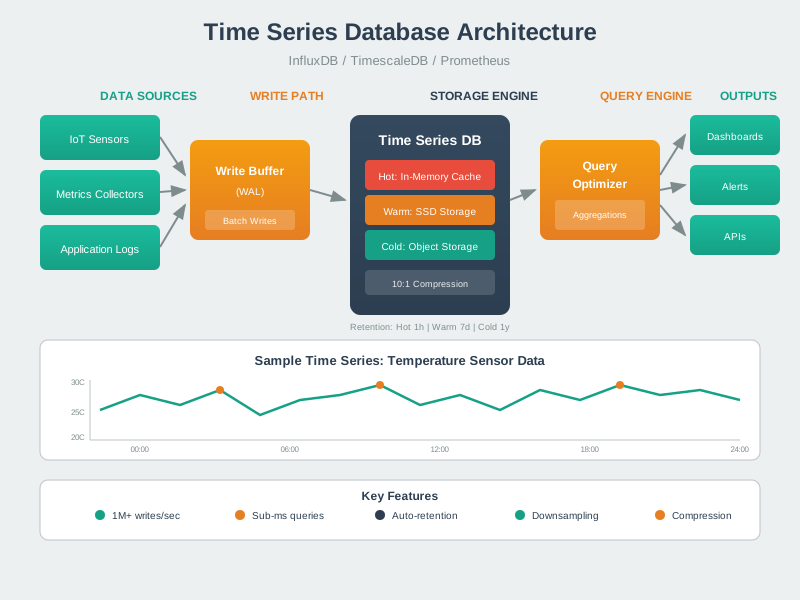
Use the figure to sort the greenhouse records before choosing a product. With one row for each of 240 devices, the registry has 240 rows. They hold owner, place, code, key, and sensor-check facts; they are not sensor data. Each new reading goes to the main time history. The latest-value view and each rollup come from that history, so they can be built again. The archive extends the life of a record only when a restore test works. The next sum sizes that path, and Dora's ledger states what to keep and why.
Worked example: a greenhouse fleet has 240 sensor nodes and each node sends one temperature reading per minute. That is 240 × 60 × 24 = 345,600 readings per day, so the telemetry role needs append-friendly writes, time-window partitions, late-arrival handling, and a retention rule. The registry is much smaller: 240 device records plus owner, zone, firmware, credential, and calibration state. Putting those facts into the telemetry table would make authorization and firmware review harder, even though the row count is tiny compared with the readings.
The same system may keep a latest-value cache with one current row per node for dashboards. That cache should be rebuildable by reading the newest accepted telemetry point for each device, not by treating the cache as the only copy of state. If raw readings stay hot for 30 days, the hot tier holds about 10.4 million readings before rollup or archive. A release-ready design records that arithmetic, the query that proves it, and the restore test that can bring a sample archived day back into the same schema.
Dora’s Retention Ledger
- Reading: 240 greenhouse nodes send one temperature reading per minute — 345,600 readings a day.
- Keep: raw detail stays hot for 30 days, then rolls up or moves to archive.
- Cost: about 10.4 million readings held in the hot tier before rollup begins.
Core Storage Roles
Registry
Device identity, owner, model, firmware state, deployment location, credentials, and authorization metadata.
Telemetry
Append-heavy timestamped measurements that need time-window reads, partitioning, compression, and retention policy.
Events and latest values
Operational facts, alerts, state transitions, and current-value views for dashboards, rules, and APIs.
Artifacts and archives
Images, audio, firmware, model files, cold history, replay data, compliance evidence, and restoreable payloads.
Beginner Examples
Follow each example from the fact being stored to the role that owns it. Temperature readings form telemetry, identity belongs to the registry, current dashboard state is derived, and camera media needs object storage plus metadata. The distinctions establish the chapter's running separation between durable truth and rebuildable views.
A temperature reading usually belongs in telemetry, while the device owner belongs in the registry.
A dashboard's latest value can be cached, but the cache should be rebuildable from durable telemetry.
An alert event should keep enough context to explain what changed, when it changed, and which rule produced it.
A camera image belongs in object storage with searchable metadata, checksum, access policy, and retention rule.
Overview Knowledge Check
Practitioner: Build The Storage Evidence Record
A practical IoT storage review should produce an evidence record that another engineer can inspect. It should show the accepted schema, rejected-message handling, timestamp contract, source of truth, derived stores, retention rules, restore checks, and representative queries that prove the design can support production behavior.
This record prevents two common failures: using one store for every data shape and adding many stores without ownership rules. The goal is not fewer databases or more databases. The goal is clear responsibility for each fact and a tested path for storing, querying, retaining, and restoring it.
Storage Review Sequence
Work through the sequence as one evidence chain: classify the fact, define its write and query paths, validate its quality contract, set lifecycle tiers, and prove recovery. Each decision constrains the next, so the final restore test confirms the same ownership and meaning established at ingestion.
Step 1, classify the data shape. Separate telemetry, registry state, events, latest values, binary artifacts, and archives.
Step 2, define the write path. State whether the record is append-only, transactional, derived, cached, imported, or archived.
Step 3, define the query path. Capture representative device lookups, time-window scans, latest-value reads, incident searches, and restore queries.
Step 4, set quality gates. Validate schema version, timestamp, units, device identity, bounds, duplicate keys, and quarantine behavior.
Step 5, plan lifecycle tiers. Decide what stays hot, what becomes a summary, what is archived, and what can be deleted.
Step 6, prove recovery. Test backup, restore, replay, checksum verification, and derived-store rebuild paths before release.
Evidence Ledger
Practitioner Knowledge Check
Under The Hood: Storage Handoffs And Failure Modes
The storage layer starts before the database write. A device message is received, authenticated, decoded, validated, normalized, routed, indexed, summarized, cached, archived, and sometimes replayed. Each handoff can preserve evidence or lose it. A reliable storage design names those handoffs and records how they are tested.
Two timestamps are often needed: the device event time and the platform receive time. Event time supports the physical history. Receive time explains network delay, offline buffering, clock drift, and late arrivals. UTC should be the durable timestamp representation; local time belongs at the display layer when users need it.
Worked example: a gateway serving 80 meters loses uplink for 18 minutes while devices continue sampling once per minute. When the link returns, it uploads 80 × 18 = 1,440 delayed readings. The storage handoff needs a stable device id, event-time timestamp, receive-time timestamp, sequence or idempotency key, schema version, and quality flag before the durable write. Without those fields, the platform cannot tell a delayed 10:05 reading from a live 10:23 reading, and dashboards may silently mix physical time with arrival time.
Dora’s Retention Ledger
- Reading: 80 meters sampling once a minute; an 18-minute outage returns 1,440 delayed readings at once.
- Keep: both event time and receive time, plus a sequence or idempotency key, before the durable write.
- Cost: without them, a delayed 10:05 reading looks like a live 10:23 one.
Another failure appears when derived views are not rebuilt from authoritative data. If a latest-value cache for 600 devices is cleared during maintenance, the recovery run should read the newest accepted durable record per device, rebuild 600 cache entries, and mark any missing device with an explicit stale or unknown state. If the rebuild finds 12 devices with no valid sample in the last hour, that is operational evidence, not a reason to invent current values. The under-the-hood rule is simple: every derived copy needs a named source, rebuild query, exception route, owner, and retest trigger.
Pipeline Handoffs
Ingestion to validation
Authenticate device identity, decode the payload, check schema version, and decide accepted versus rejected state.
Validation to durable write
Normalize timestamp, units, metric names, device IDs, and deduplication keys before writing trusted history.
Durable write to derived views
Build latest-value caches, dashboards, search indexes, and summaries from stores that can be replayed or reconciled.
Hot store to archive
Retain checksums, manifests, schemas, metadata links, restore permissions, and query instructions for cold history.
Failure Questions To Ask
Ask the failure questions against a concrete record and owner. Trace what happens when writes repeat, timestamps disagree, schemas change, a derived store lags, or an archive cannot restore. The answers should name detection, containment, recovery, and the release evidence that proves each response.
First ask what happens when a device reconnects and uploads older readings, and whether duplicate messages can be detected without dropping legitimate repeated measurements.
Next ask whether a derived cache can be rebuilt after eviction, restart, or schema change, and whether archived data can be restored, decoded, and joined back to device metadata.
Finally name which store owns each fact, which stores are derived copies, and whether representative queries still pass after retention, migration, or partition changes.
Under-the-Hood Knowledge Check
2.2 Summary
This section: Summary — IoT storage should be designed as roles and contracts, not as a single product choice.
IoT storage should be designed as roles and contracts, not as a single product choice. Registry, telemetry, events, latest values, artifacts, and archives have different owners, queries, lifecycles, and failure modes. Durable storage begins with ingestion, validation, normalization, timestamp handling, and rejection evidence. Caches, dashboards, search indexes, and summaries should usually be rebuildable from authoritative stores. Retention and archive policies need restore, checksum, schema, permission, and query evidence before release.
Route each IoT data shape to an owned storage role, validate before durable write, separate cache from history, and prove lifecycle recovery before release.
2.3 See Also
This section: See Also
Database Selection Framework
Choose storage categories from data shape, query evidence, consistency, lifecycle, and operations.
CAP Theorem and Database Categories
Review distributed-storage tradeoffs around consistency, availability, partitions, and conflict behavior.
Data Quality Monitoring
Track validation gates, missing data, duplicates, late arrivals, drift, quarantine, and ownership.
Time-Series Database Fundamentals
Apply the storage-role model to append-heavy telemetry, timestamp contracts, chunks, and query paths.
Find help
3 reviewed answers.
Where should I start in a module?
Open the module page from the sidebar to see its chapters in order. Use the module map to return to a topic you need.
Modules and pathsReviewed
What can I try when a project does not work?
Check the symptom, then work through the diagnostic steps. Keep the error message and the smallest example that reproduces it.
When you are stuckReviewed
How do interactive examples work?
Use the interactive guide to check how examples and simulations work before changing your project.
Interactive examples guideReviewed