Signal
Name the smallest phone signal that can support the question: motion, orientation, location, media, environmental context, user input, or external sensor data.
Progress saves as you read. Mark sections complete as you go; your progress appears in the sidebar.
This section: Start With the Phone Story — Imagine using a phone to measure noise during a walk.
Imagine using a phone to measure noise during a walk. The phone may sense sound, save the record, ask the user a question, or send the result onward. A gateway is a bridge that passes local data to another system.
Follow one phone signal through a small, bounded walking study.
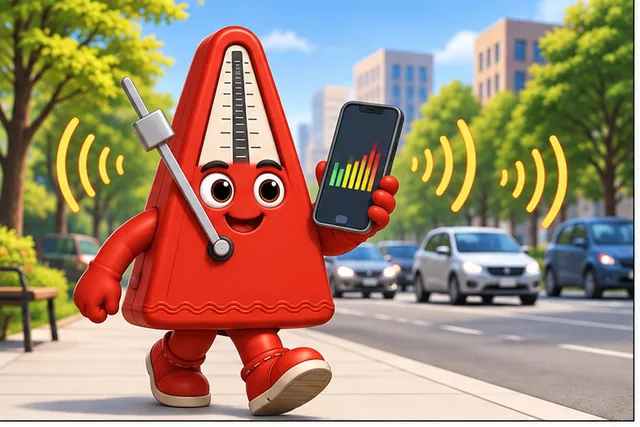
A phone measures noise during a short walk.
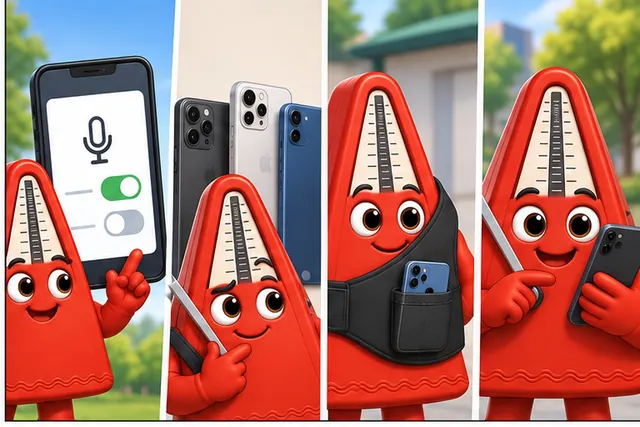
Permission, phone model, placement, and user action can change the record.
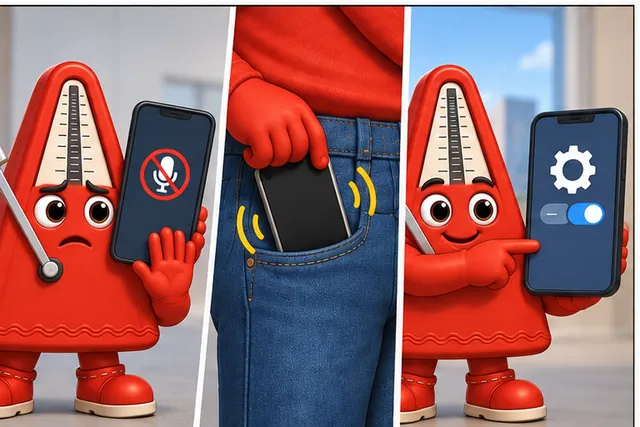
Test blocked access, a move into a pocket, and a system change.
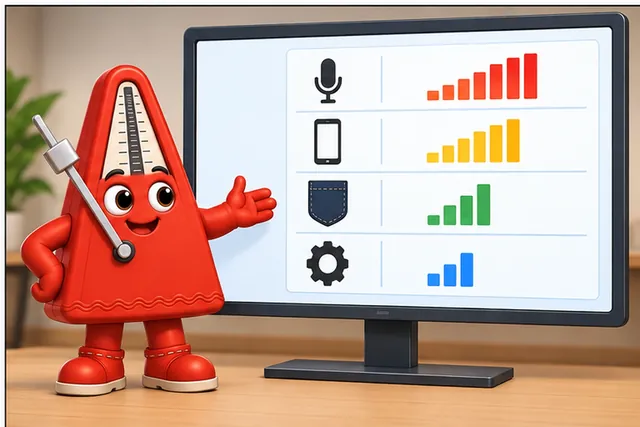
The pilot shows which change caused each result without guessing about the person.
Start by naming the one signal needed for the question. Record permission, phone model, placement, time, and user action beside the reading. Then test a blocked permission, a phone moved into a pocket, and a changed operating system. Do not turn a device reading into a claim about a person without clear evidence and consent.
Try a five-minute pilot before a long study. Take a known reading. Move the phone once. Block one permission. Change one setting. Compare the records. Check whether another person can tell which change caused each result. Fix the study record before collecting more data. A larger weak study only creates more uncertain readings.
Use a short phone study plan. State the question. Choose one signal. Ask only for needed access. Explain that access to the user. Fix the phone position. Record the model and system version. Capture the time and setting. Add a known reference when possible. Mark missing or blocked data. Keep identity apart from the reading unless the study needs it. Set a time to delete private records.
Repeat the same action on another phone. A different result may reveal hardware or setup effects. Do not average those effects away before understanding them.
This simple walk does not prove that every phone measures the same way. Hardware, settings, people, and surroundings differ. The Practitioner section builds a repeatable sensing record. Under the Hood examines access paths, sampling, privacy, and uncertainty.
A phone can be a sensor, recorder, user prompt, gateway, or all of those at once. Start by naming which role it plays in this measurement and what permission, placement, and context facts must travel with the reading.
A mobile phone can act as an IoT sensing platform because it combines local sensors, user interaction, compute, storage, identity, and network access. Those strengths are useful only when the sensing question is bounded. A phone reading supports a specific claim collected under specific access, placement, timing, and context conditions.
The important historical shift was not one sensor appearing in isolation. Early mobile phones became IoT-relevant as GPS, cameras, accelerometers, app stores, and packet data converged in the same pocket device. A location offer, "who is nearby" prompt, photo note, barcode scan, or motion cue may look like an app feature, but underneath it is a sensor record with permission state, uncertainty, user intent, retention, and a service consequence.
The safe habit is to start with the question, not the feature list. Motion, orientation, location, media, light, proximity, user input, and external sensor gateway signals all need different evidence. A phone may be the sensor, the recorder, the user prompt, or the gateway, but the record must say which role it played.
For example, a phone in a backpack can show movement, but it does not automatically prove the user's activity, posture, speed, or location history. The record needs to state the collection window, phone placement, access state, sampled signal, quality check, and interpretation limit. A phone placed on a desk during a vibration exercise has a different evidence boundary from the same phone carried by a participant during a field survey. The device is powerful because it is portable and connected; it is risky when the application forgets how that portability changes the claim.
If you only need the intuition, use this rule: a phone signal is evidence only when the record preserves source, unit or format, timestamp, access state, setup context, validity state, interpretation limit, and retest trigger.
Before choosing from the phone’s many capabilities, inspect Figure 5.1 to see the evidence that must travel with one selected signal. The path begins with a question so access and setup are judged against a need rather than a feature list.
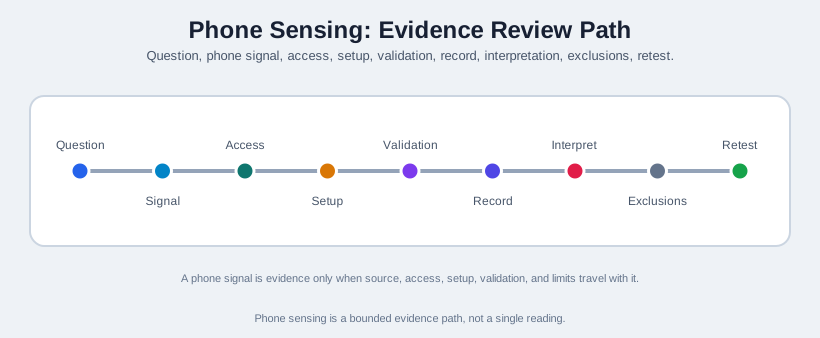
Read Figure 5.1 from the question into the phone signal and access state, then fix the setup before validation. The data record carries that evidence into interpretation, where exclusions prevent device motion or location from becoming a broader user claim. The retest station reopens the review after a changed permission path, placement, signal, or rule. That sequence makes the phone a bounded sensing platform rather than an assumed source of truth.
Name the smallest phone signal that can support the question: motion, orientation, location, media, environmental context, user input, or external sensor data.
Record whether access was granted, denied, unavailable, unsupported, stale, or revoked, and define the fallback behavior for each state.
Capture phone placement, user action, collection window, environment, uncertainty, and any comparison or plausibility check.
State the narrow claim the phone record can support and what it cannot prove without additional sensors, calibration, or field validation.
Activity recognition is a good stress test for the "signal, access, context, limit" habit, because it is tempting to treat a raw motion stream as if it already were an activity label. A system worth trusting needs to be scalable across many activities, deployable outside a lab, privacy-preserving, and able to separate one user's simultaneous activities rather than collapsing them into one guess -- and the practical obstacles are just as concrete: what data source to trust, how many activity classes to attempt, how hard labeling the training data actually is, and how differently a system behaves in the lab versus the real world. Indoor localization and step counting are the textbook examples of that lab-to-real-world gap: a step counter tuned on a treadmill and a particle filter tuned in an empty corridor both meet real noise, real interruptions, and real phone placement changes the moment they leave the lab.
A phone sensing plan should make the data path reviewable before collection begins. The plan should say what the phone is measuring, what role the user plays, which access path is used, how readings are validated, and how the application behaves when access or data quality is not acceptable.
The same wearable-plus-phone-gateway pattern shows up across very different domains once the roles are named correctly. A wearable IMU speck (an Orient-class node) worn at the wrist and reporting over Bluetooth or 2.4GHz has been used to give real-time feedback on laparoscopic surgical-instrument handling for trainee surgeons practicing at home, and separately to recognize correct and incorrect cello bowing technique from a sensor on the wrist and another on the bow frog -- two unrelated skill domains, same sensor role, same phone-as-gateway record. A different case narrows the signal further: a coin-sized accelerometer clipped to a consumer product (a detergent bottle, a moisturiser tube) and paired to a phone app can recognize specific product-use gestures -- pouring, squeezing, shaking -- directly from the z-axis acceleration trace, using simple derived features such as the windowed minimum average and a jerk count (the number of abrupt direction changes), instead of the interviews and diaries that usage-behavior research relied on before and that are error-prone, intrusive, and slow to collect. In every case the phone's job is unchanged: keep the external sensor's identity, connection state, and timestamp distinct from anything the phone measured itself.
Phone sensing record:
- Measurement question:
- Phone role:
- Signal family:
- Access state:
- Setup and placement context:
- Source, unit or format, and timestamp:
- Quality or uncertainty field:
- Validation or plausibility check:
- Narrow interpretation:
- Rejected or missing data rule:
- Retest trigger:
Mobile sensing failures often happen at the boundaries between signal, user action, permission, operating system behavior, browser or native API behavior, phone placement, storage, and interpretation. The same app can collect different evidence when the phone is carried differently, access is denied, sampling is paused, a signal is unavailable, or an external sensor disconnects.
Permissions, unsupported APIs, unavailable hardware, stale readings, and revoked access must produce visible states instead of silent defaults.
Placement, orientation, user action, foreground/background state, collection window, and environment determine what a phone signal can mean.
Units, timestamps, identity, uncertainty, validity state, and rejected data rules keep later analysis from treating every value as equally trustworthy.
A phone reading can support a scoped observation or learning exercise without proving exact field conditions, continuous presence, or a calibrated instrument result.
This section: Decide What the Phone Can Sense During a Cycle — A phone fixed to a bicycle can observe acceleration, rotation, position, sound, and light, but each sensor sits in a different place and runs under mobile power rules.
A phone fixed to a bicycle can observe acceleration, rotation, position, sound, and light, but each sensor sits in a different place and runs under mobile power rules. Figure 5.1 follows the physical ride into phone hardware, operating-system access, app processing, and the final claim. A rough-road vibration may be real while its size still depends on mount angle and pocket movement.
This section: Summary — A mobile phone can be a useful IoT sensing platform when the question is narrow and the record preserves context.
A mobile phone can be a useful IoT sensing platform when the question is narrow and the record preserves context. Treat phone readings as bounded evidence: name the signal, access state, placement, timestamp, quality fields, validation check, interpretation limit, and retest trigger. Separate phone-generated evidence from external sensor evidence when the phone acts as a gateway.
This section: Key Takeaway
Do not treat phone sensors as generic truth sources. A phone reading is useful when its access, setup, quality, and interpretation boundaries are explicit enough to review later.
This section: See Also
Review the sensor-to-action evidence path for the wider module.
Connect phone sensing plans to permission states, browser or native APIs, and data-quality checks.
Extend phone sensing records to many contributors without losing source, context, or quality boundaries.
Trace phone records through gateways, processing, storage, actions, quality states, and retest triggers.
3 reviewed answers.
Open the module page from the sidebar to see its chapters in order. Use the module map to return to a topic you need.
Modules and pathsReviewed
Check the symptom, then work through the diagnostic steps. Keep the error message and the smallest example that reproduces it.
When you are stuckReviewed
Use the interactive guide to check how examples and simulations work before changing your project.
Interactive examples guideReviewed