Write a bounded city service envelope
Name the inputs, actions, dependencies, exclusions, and failure evidence for a small multi-service city deployment.

Packet Pete
Predict the reading, then compare it with the measurement.
Cisco Packet Tracer
Desktop labInstall the tool; build from the steps. No file yet.
Download the Packet Tracer fileSteps
Step 1
- Do
- Open lab.pkt in Packet Tracer and inspect the named Things in the Logical workspace.
- You will see
- Envelope-Lamp, Envelope-Parking, Envelope-Air, Envelope-Fire, and Envelope-Weather define the bounded service set.
- Why it matters
- Naming each sensor, dependency, action, and evidence source makes the test boundary reproducible.
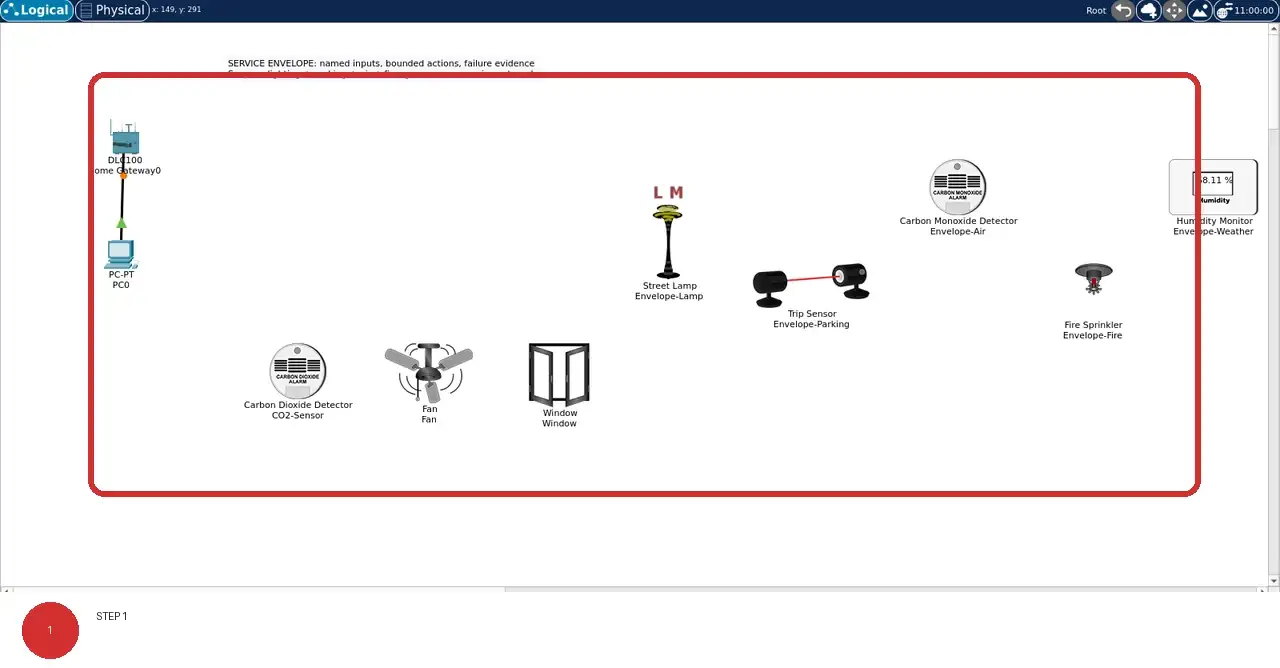
Step 1 · Cisco Packet Tracer; numbered callout added to a real capture. Enlarge screenshot (new tab) Step 2
- Do
- On the Logical canvas, read the chapter-specific names beneath the devices and compare their roles.
- You will see
- The Logical canvas shows the five Things named by the service envelope in this lab's named workspace.
- Why it matters
- Different physical jobs can share a network while still requiring different thresholds, safe states, and operating evidence.
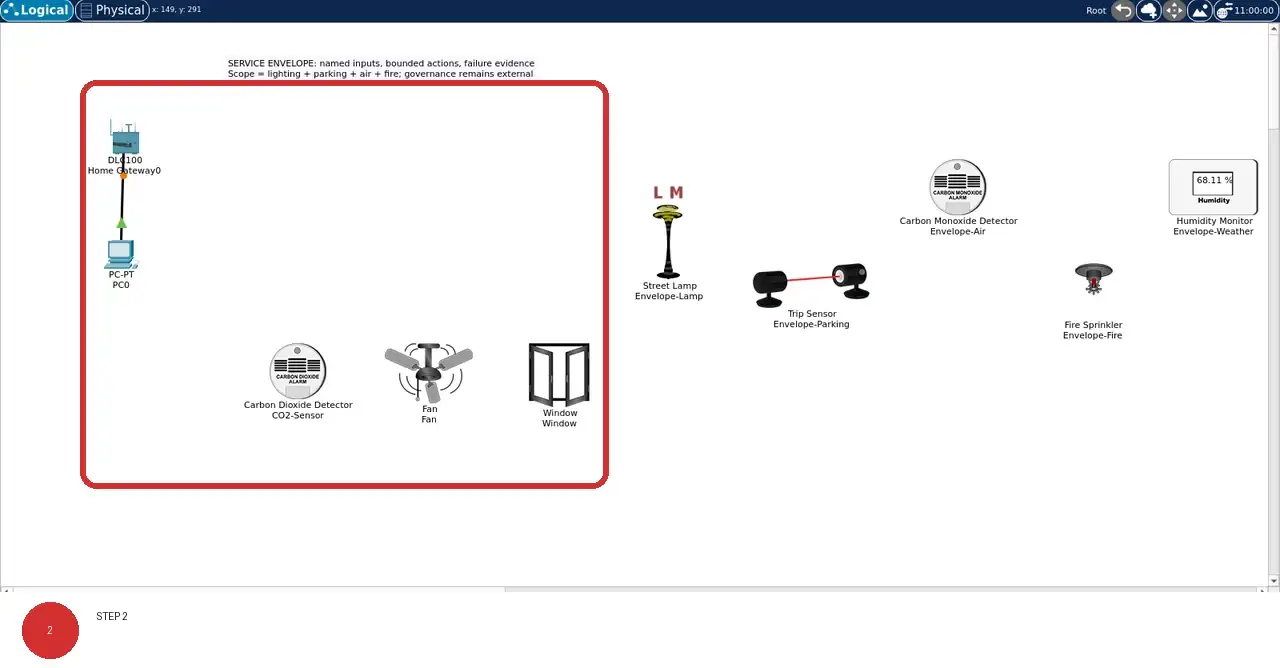
Step 2 · Cisco Packet Tracer; numbered callout added to a real capture. Enlarge screenshot (new tab) Step 3
- Do
- On the Logical canvas, trace the solid PC0 cable and any visible dotted wireless associations back to Home Gateway0.
- You will see
- The solid black line connects PC0 to Home Gateway0; where dotted lines are visible, they mark wireless associations.
- Why it matters
- A visible association is evidence of topology, not by itself proof of authentication, registration, or delivery.
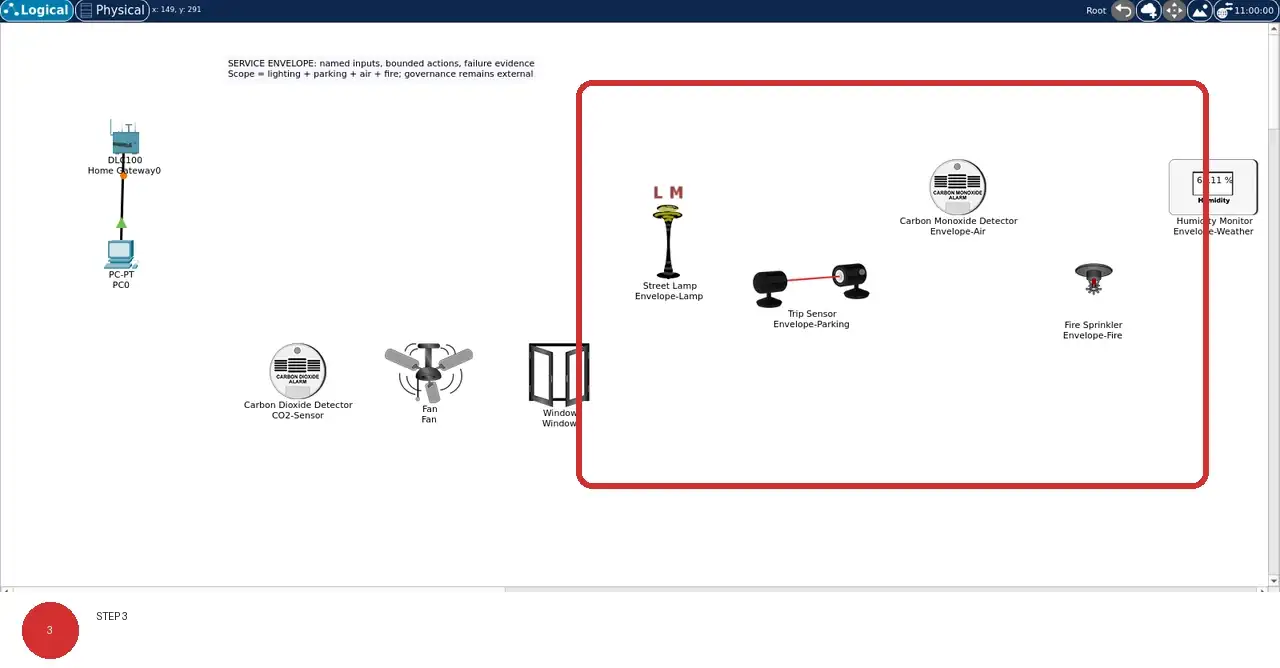
Step 3 · Cisco Packet Tracer; numbered callout added to a real capture. Enlarge screenshot (new tab) Step 4
- Do
- On the Logical canvas, identify each object that has no visible gateway line; do not count it as registered evidence.
- You will see
- Objects without a line to Home Gateway0 remain visibly outside the registered control path.
- Why it matters
- Packet Tracer physical objects are not automatically network endpoints, so an absent line must remain explicit.
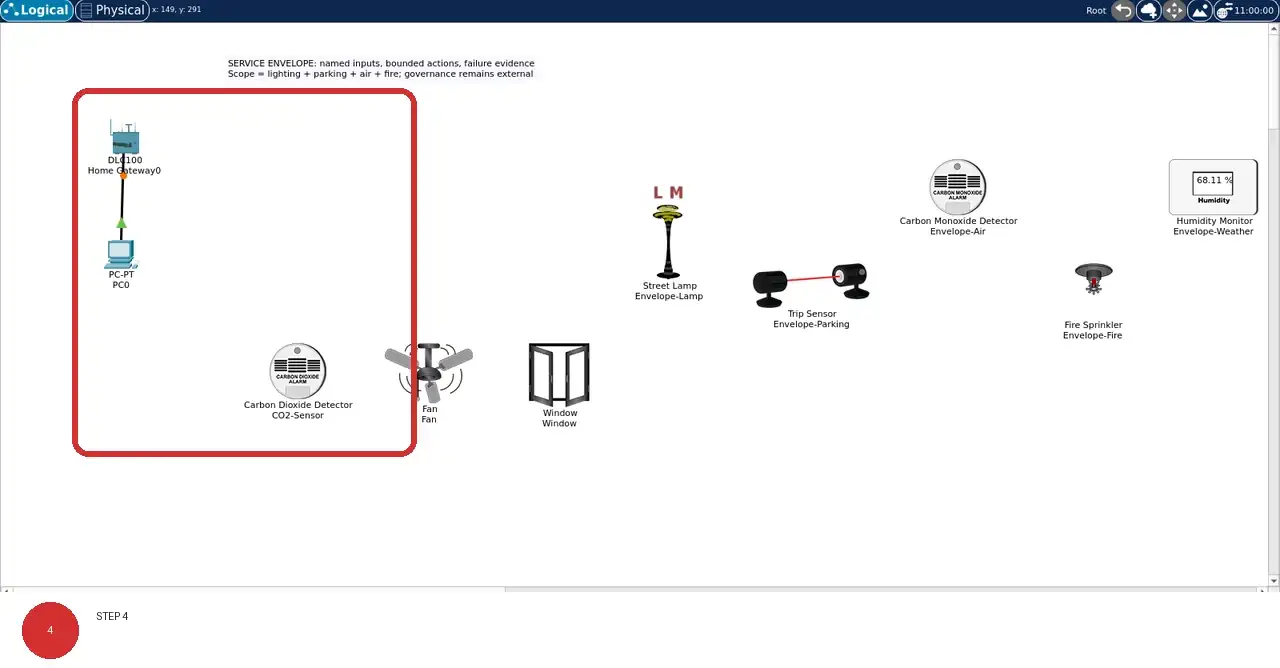
Step 4 · Cisco Packet Tracer; numbered callout added to a real capture. Enlarge screenshot (new tab) Step 5
- Do
- On the Logical canvas, use the model captions and names to separate sensing, actuation, service, and physical-context roles.
- You will see
- The device names and model captions distinguish sensors, actuators, service endpoints, and physical context.
- Why it matters
- Role labels keep a plausible diagram from being mistaken for measured control-loop behavior.
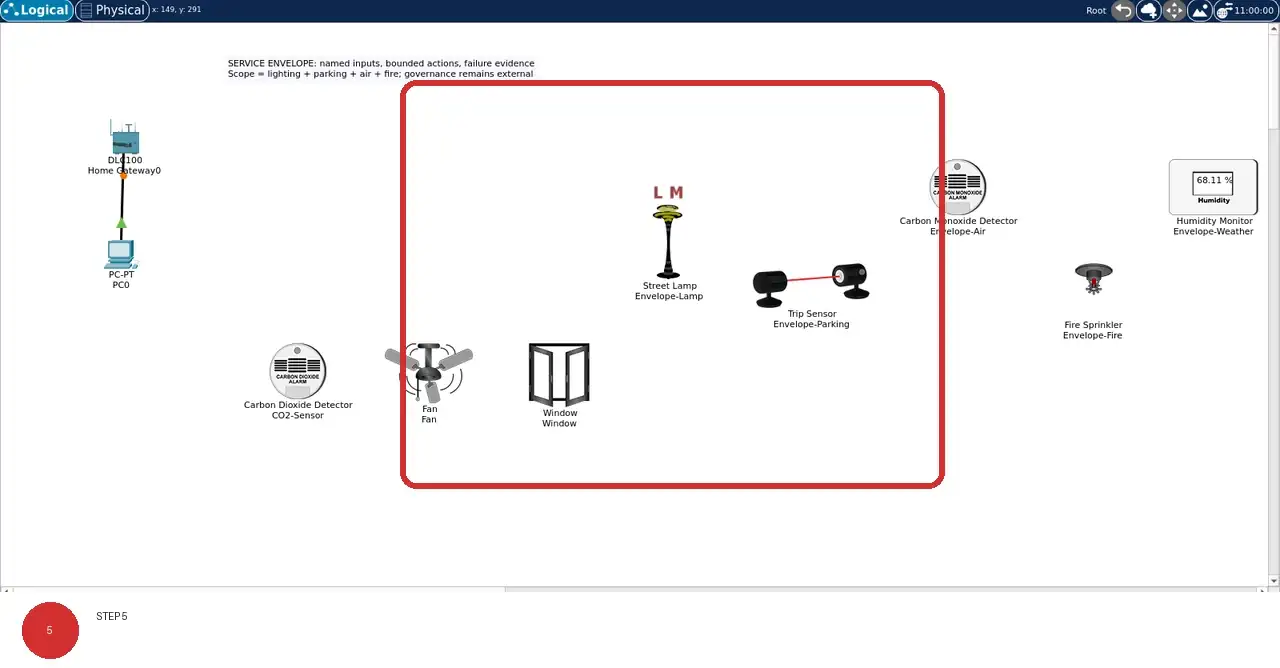
Step 5 · Cisco Packet Tracer; numbered callout added to a real capture. Enlarge screenshot (new tab) Step 6
- Do
- Close and reopen lab.pkt, then compare the restored Logical workspace with this evidence image.
- You will see
- After reopening the saved project, the same lab-specific names, positions, and connection lines remain visible.
- Why it matters
- A reopen check proves persistence of the saved topology without inventing runtime readings or protocol semantics.
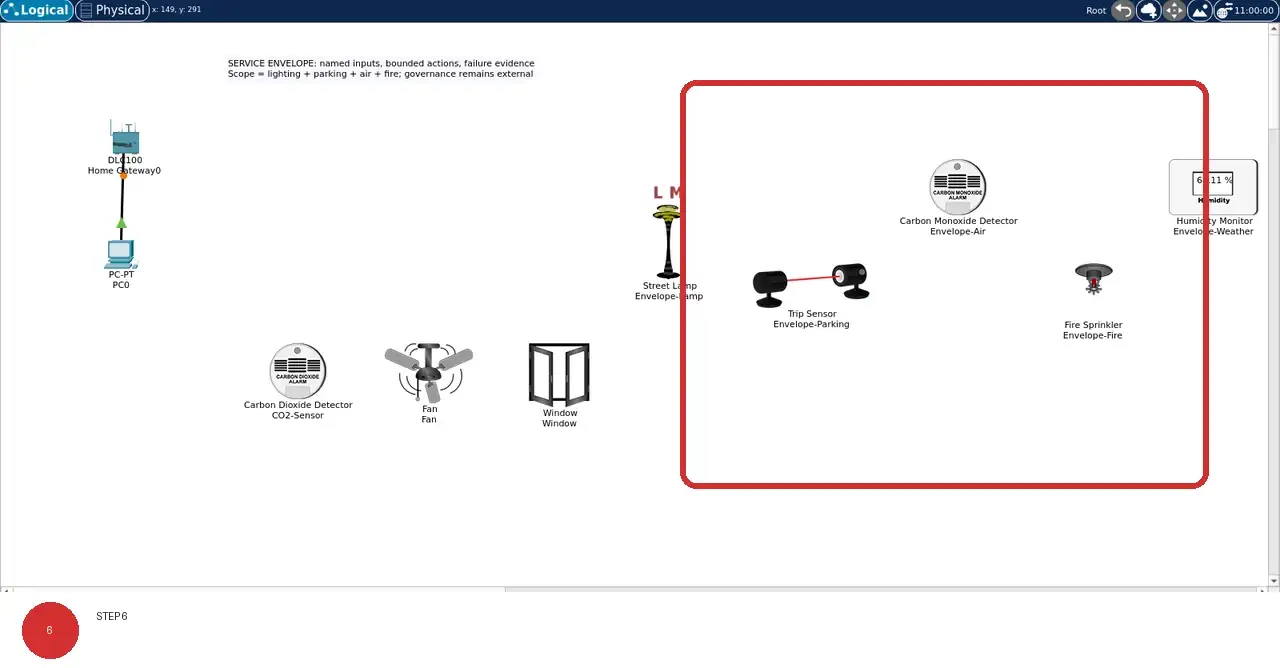
Step 6 · Cisco Packet Tracer; numbered callout added to a real capture. Enlarge screenshot (new tab)
Chapter checks
These questions refer to the chapter’s examples. Use the return links to review their answers.
A city wants to deploy IoT across traffic, lighting, and waste services. What should guide the design first?
Return to the chapter’s knowledge checkWhy must a smart-city service envelope name context, boundaries, and failure behavior as well as its sensors?
Return to the chapter’s knowledge check
Return to Smart Cities: Service Envelopes and Initiatives · Browse Labs