Mark the MQTT-to-AMQP evidence boundary
Inspect an IoT edge path and a network event trace, then state which MQTT and AMQP guarantees the model does not prove.

Packet Pete
Predict the reading, then compare it with the measurement.
Cisco Packet Tracer
Desktop labInstall the tool; build from the steps. No file yet.
Download the Packet Tracer fileSteps
Step 1
- Do
- Open lab.pkt in Packet Tracer and inspect the named Things in the Logical workspace.
- You will see
- Field-Temperature and Edge-Street-Lamp face Registration-Server and Backend-Consumer across Home Gateway0.
- Why it matters
- Naming each sensor, dependency, action, and evidence source makes the test boundary reproducible.
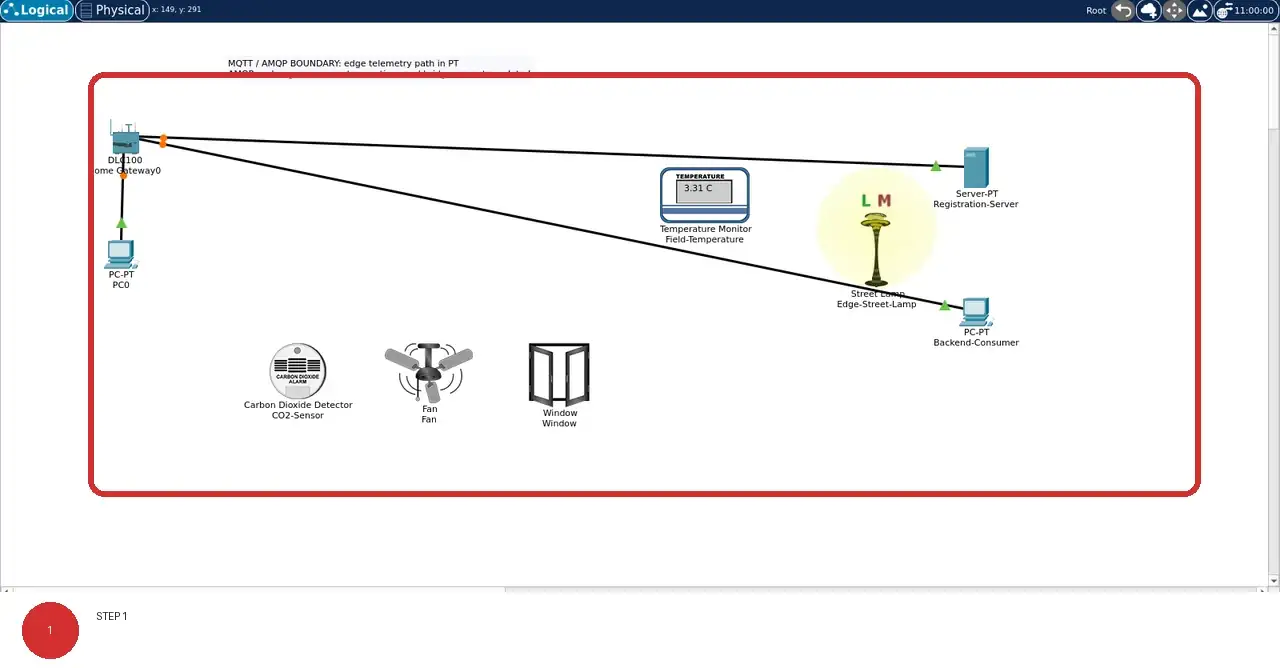
Step 1 · Cisco Packet Tracer; numbered callout added to a real capture. Enlarge screenshot (new tab) Step 2
- Do
- On the Logical canvas, read the chapter-specific names beneath the devices and compare their roles.
- You will see
- The Logical canvas shows edge Things, registration server, and backend consumer in this lab's named workspace.
- Why it matters
- Different physical jobs can share a network while still requiring different thresholds, safe states, and operating evidence.
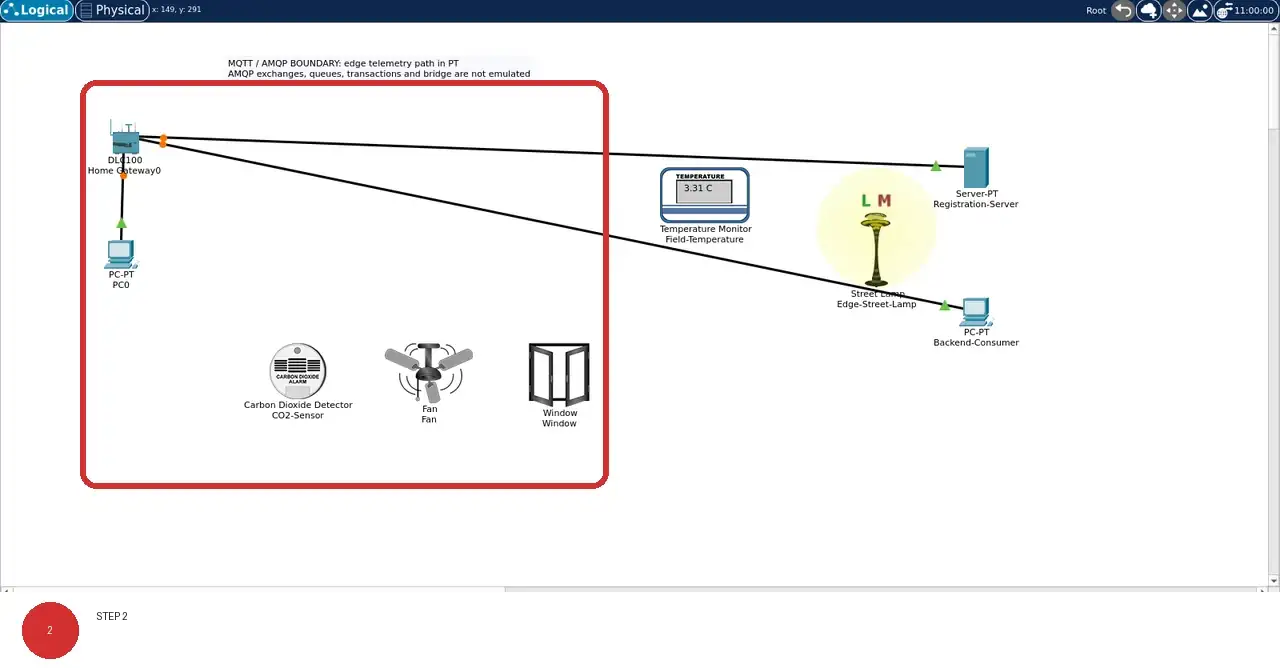
Step 2 · Cisco Packet Tracer; numbered callout added to a real capture. Enlarge screenshot (new tab) Step 3
- Do
- On the Logical canvas, trace the solid PC0 cable and any visible dotted wireless associations back to Home Gateway0.
- You will see
- The solid black line connects PC0 to Home Gateway0; where dotted lines are visible, they mark wireless associations.
- Why it matters
- A visible association is evidence of topology, not by itself proof of authentication, registration, or delivery.
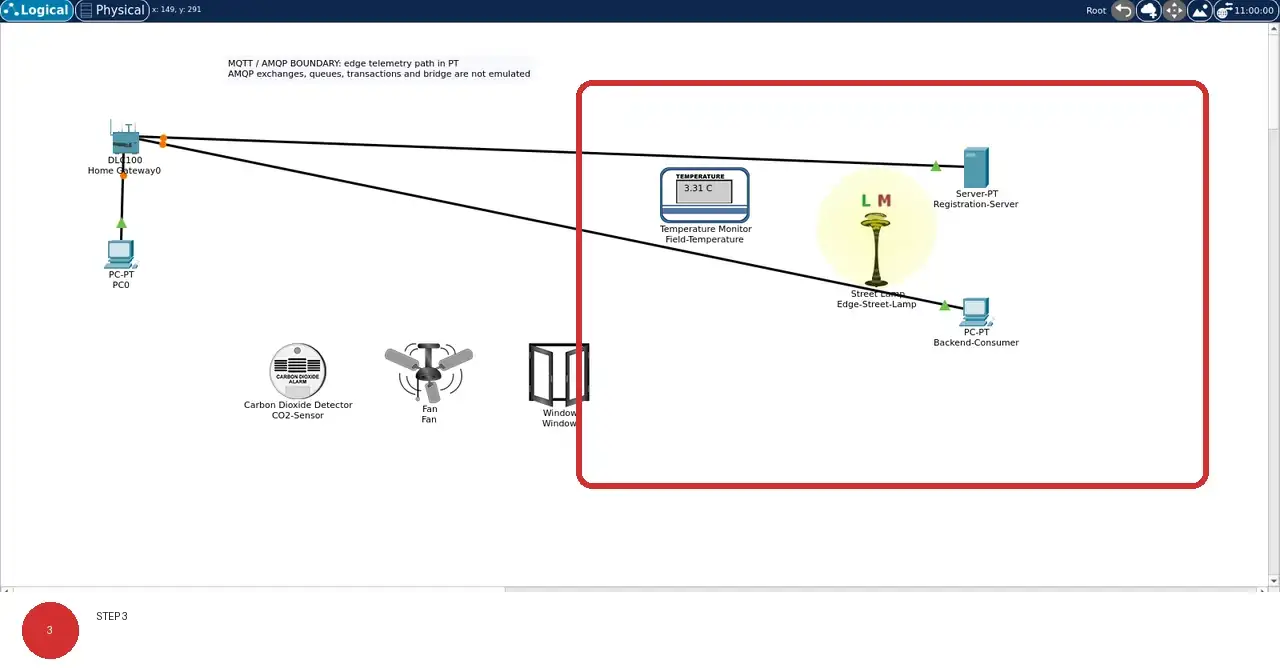
Step 3 · Cisco Packet Tracer; numbered callout added to a real capture. Enlarge screenshot (new tab) Step 4
- Do
- On the Logical canvas, identify each object that has no visible gateway line; do not count it as registered evidence.
- You will see
- Objects without a line to Home Gateway0 remain visibly outside the registered control path.
- Why it matters
- Packet Tracer physical objects are not automatically network endpoints, so an absent line must remain explicit.
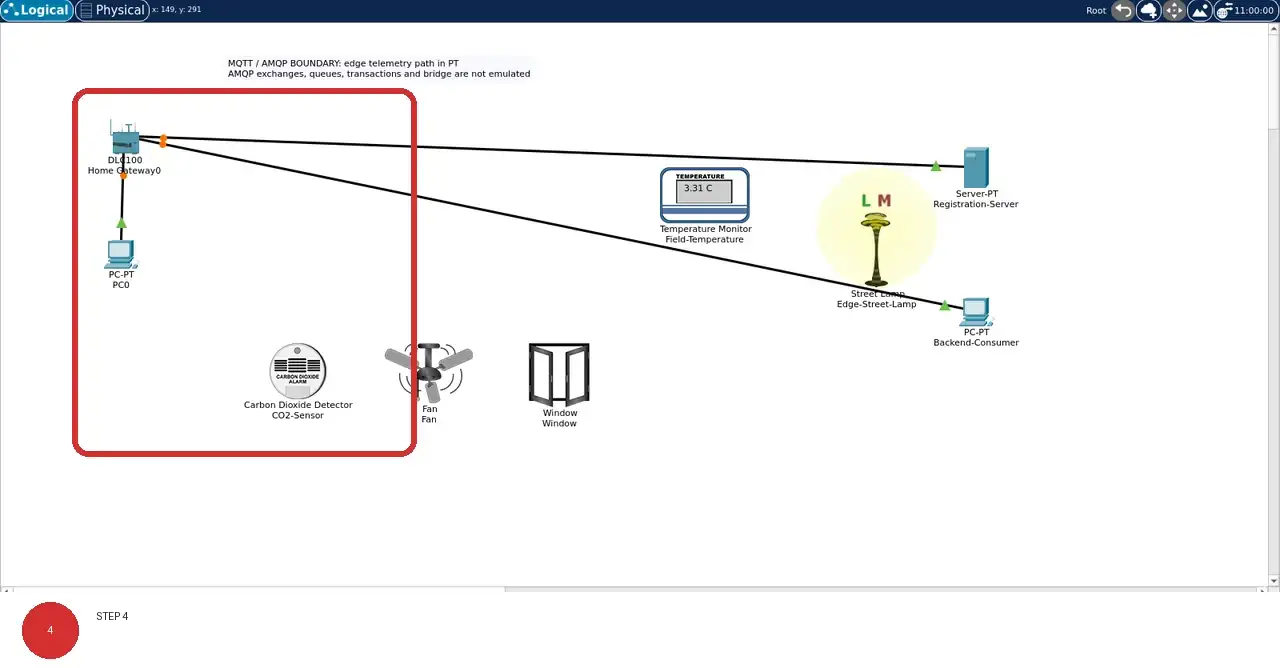
Step 4 · Cisco Packet Tracer; numbered callout added to a real capture. Enlarge screenshot (new tab) Step 5
- Do
- On the Logical canvas, use the model captions and names to separate sensing, actuation, service, and physical-context roles.
- You will see
- The device names and model captions distinguish sensors, actuators, service endpoints, and physical context.
- Why it matters
- Role labels keep a plausible diagram from being mistaken for measured control-loop behavior.
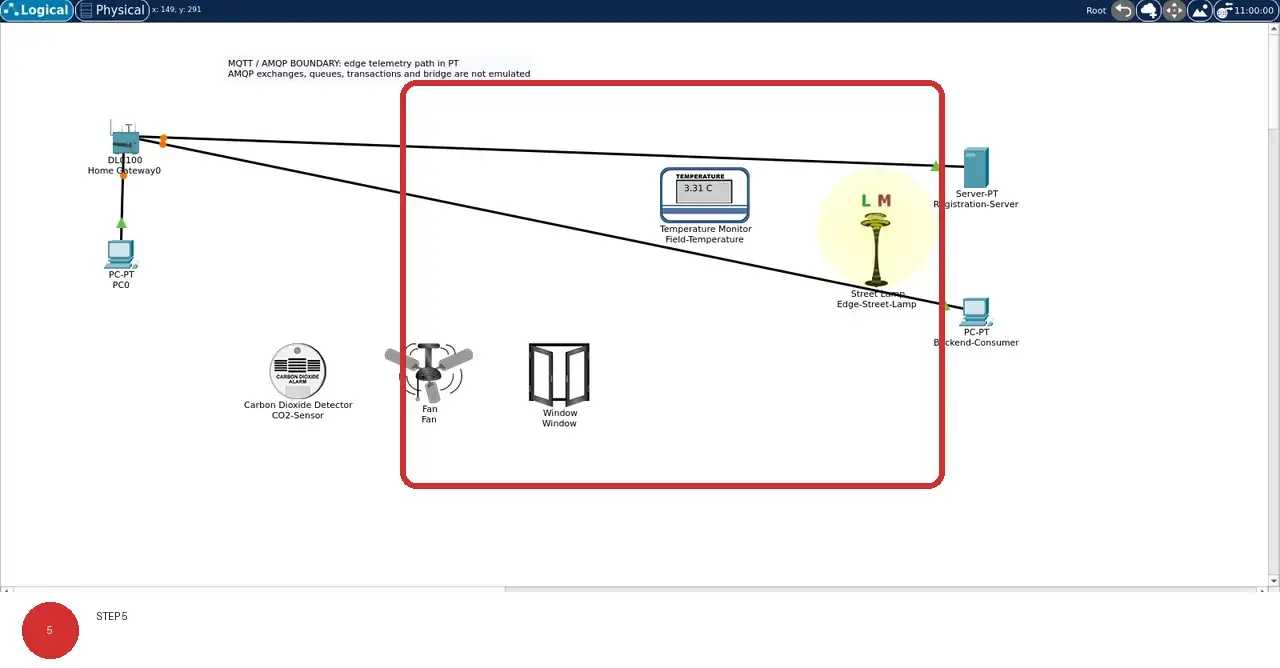
Step 5 · Cisco Packet Tracer; numbered callout added to a real capture. Enlarge screenshot (new tab) Step 6
- Do
- Close and reopen lab.pkt, then compare the restored Logical workspace with this evidence image.
- You will see
- After reopening the saved project, the same lab-specific names, positions, and connection lines remain visible.
- Why it matters
- A reopen check proves persistence of the saved topology without inventing runtime readings or protocol semantics.
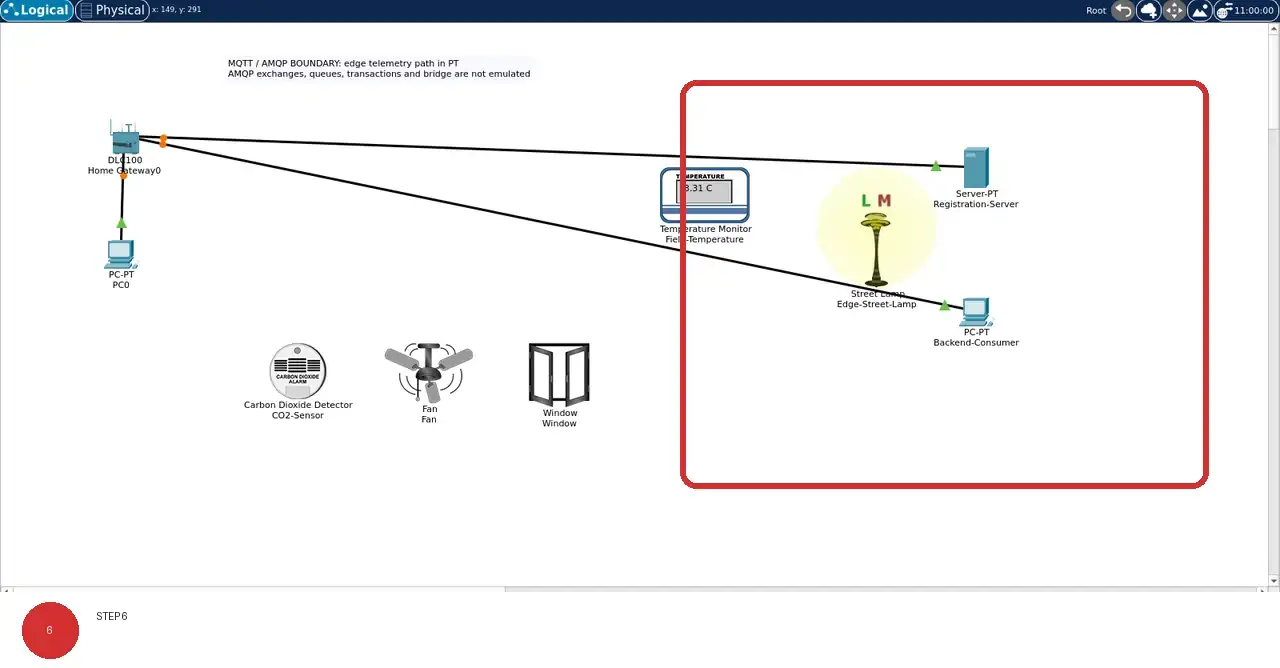
Step 6 · Cisco Packet Tracer; numbered callout added to a real capture. Enlarge screenshot (new tab)
Chapter checks
These questions refer to the chapter’s examples. Use the return links to review their answers.
Per this chapter's Common Misconception section, what is the key difference between MQTT QoS 2 and AMQP transactions?
Return to the chapter’s knowledge checkA fleet of 20,000 battery-constrained meters sends small periodic readings and needs no broker work queues at the device. A developer chooses AMQP 0-9-1 solely because it sounds like stronger QoS. Which listed concern should the design review raise?
Return to the chapter’s knowledge check
Return to MQTT and AMQP: Operational Tradeoffs · Browse Labs