Power Profile Analyzer
Interactive Analysis of IoT Device Power Consumption Patterns
Overview
The Power Profile Analyzer is a comprehensive tool for analyzing power consumption patterns in IoT devices. It enables you to configure device profiles, define state machines, visualize power profiles over time, calculate duty cycles, compare multiple configurations, and export power management code.
- Configure Device Profile: Select MCU, radio, sensors, and operating voltage
- Define State Machine: Set up power states and transition triggers
- Visualize Power Profile: See time-series current draw with state transitions
- Calculate Duty Cycles: Configure wake intervals and estimate battery life
- Compare Profiles: Analyze up to 3 different configurations side-by-side
- Export Results: Generate JSON profiles or C code for implementation
This tool teaches essential power analysis concepts:
- Power state modeling - Understanding MCU sleep modes and wake transitions
- Duty cycle optimization - Balancing functionality against power constraints
- Profile comparison - Evaluating trade-offs between different designs
- Real-world estimation - Accounting for peak power, transitions, and leakage
Understanding Power Profiles
Power profiling is essential for IoT device design, enabling accurate battery life estimation and optimization of power consumption patterns.
Power States
Most microcontrollers support multiple power states with different current consumption levels:
| State | Description | Typical Current | Use Case |
|---|---|---|---|
| Deep Sleep | Ultra-low power, minimal functionality | 0.1-10 uA | Long idle periods |
| Light Sleep | Reduced power, quick wake | 0.3-2 mA | Short idle periods |
| Idle | CPU halted, peripherals active | 1-20 mA | Waiting for events |
| Active | Full CPU operation | 5-100 mA | Data processing |
| Transmit | Radio transmission | 50-250 mA | Sending data |
State Transition Diagram
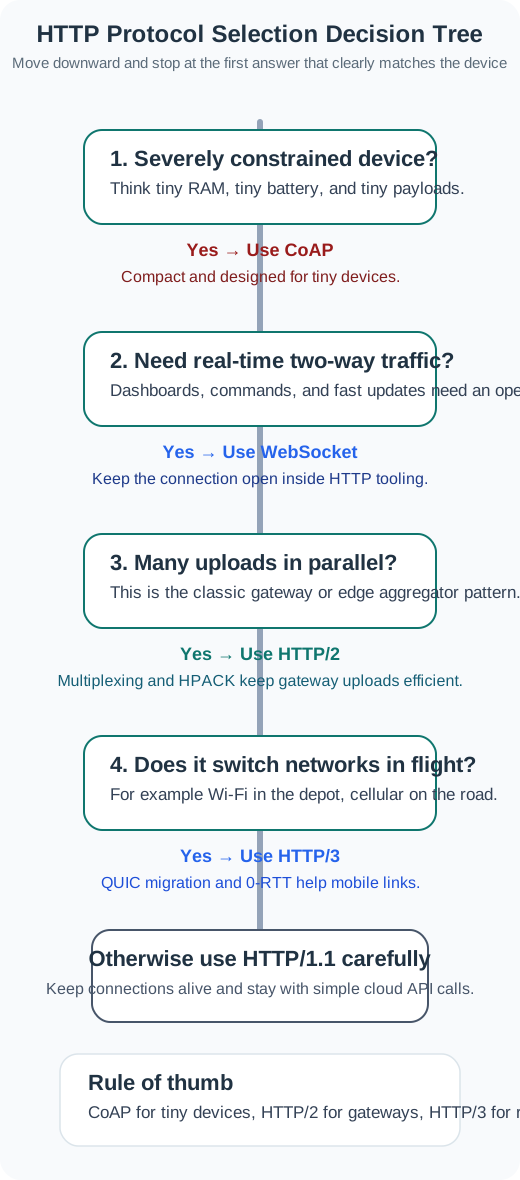
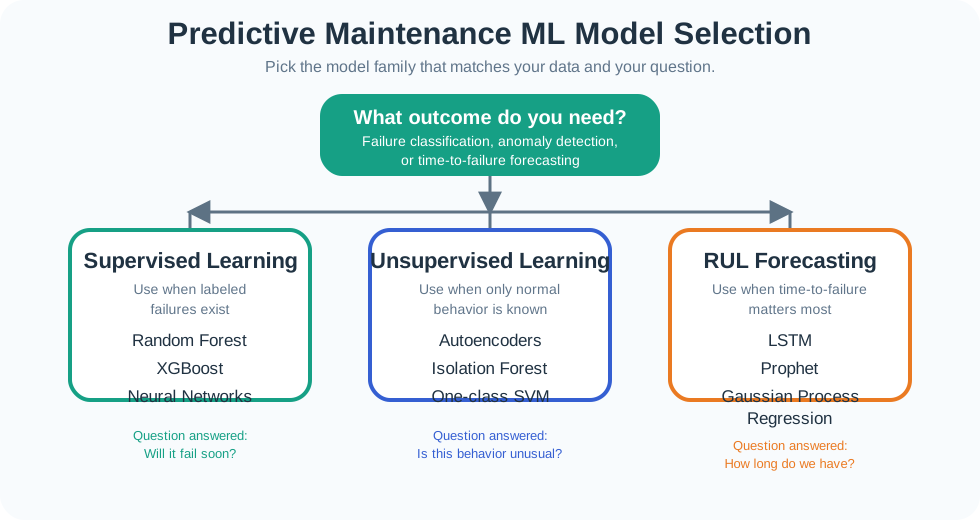
Use this decision tree to select the most appropriate power state for your device’s current needs. Always aim for the lowest power state that still meets functional requirements.
Key Formulas
Average Current Calculation
\[I_{avg} = \sum_{i=1}^{n} \frac{I_i \times t_i}{T_{cycle}}\]
Where: - \(I_i\) = Current in state \(i\) (mA) - \(t_i\) = Time in state \(i\) (seconds) - \(T_{cycle}\) = Total cycle time (seconds)
Duty Cycle
\[D = \frac{t_{active}}{T_{cycle}} \times 100\%\]
Where \(t_{active}\) is the sum of all non-sleep states.
Battery Life Estimation
\[t_{life} = \frac{C_{battery} \times \eta}{I_{avg}}\]
Where: - \(C_{battery}\) = Battery capacity (mAh) - \(\eta\) = Efficiency factor (typically 0.8) - \(I_{avg}\) = Average current (mA)
Energy per Cycle
\[E_{cycle} = \sum_{i=1}^{n} V \times I_i \times t_i\]
Where \(V\) is the operating voltage.
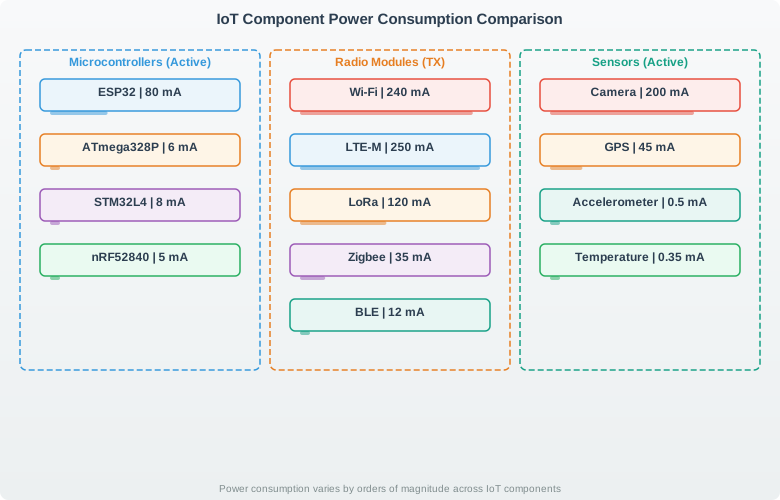
Component Power Comparison
Optimization Strategies
- Maximize Sleep Time: Spend >95% of time in deep sleep for multi-year battery life
- Minimize Active Duration: Optimize code to reduce processing time
- Batch Transmissions: Accumulate data and transmit less frequently
- Use Efficient Radios: BLE and LoRa are far more efficient than Wi-Fi
- Disable Unused Peripherals: Power down sensors when not sampling
- Lower Operating Voltage: Many MCUs consume less at lower voltages
- Use Hardware Peripherals: DMA and hardware timers reduce CPU wake time
- Ignoring Leakage Current: Even “off” components draw microamps
- Underestimating Transitions: State transitions consume energy
- Overlooking Peak Current: Battery must handle transmit peaks
- Forgetting Regulator Losses: LDOs waste significant power
- Not Measuring Real Hardware: Datasheets are often optimistic
What’s Next
After analyzing your power profiles, explore these related topics:
- Power Budget Calculator - Detailed component-level analysis
- Battery Life Calculator - Comprehensive battery estimation
- Context-Aware Energy Optimizer - Adaptive power management
- Energy Harvesting Animation - Self-powered systems
- Hardware Selection Optimizer - Component selection guidance
Interactive analyzer created for the IoT Class Textbook - POWER-PROFILE-001